

Find a Device
Crawler.Companion automatically scans the local network for Edge devices when it starts. No manual configuration is required to find a device.
-
Connect to the same network
Make sure your PC is connected to the same local network (subnet) as the Edge devices you want to find.
-
Open Companion
Launch Crawler.Companion. It immediately begins scanning for devices — no further action is needed.
-
Check the device list
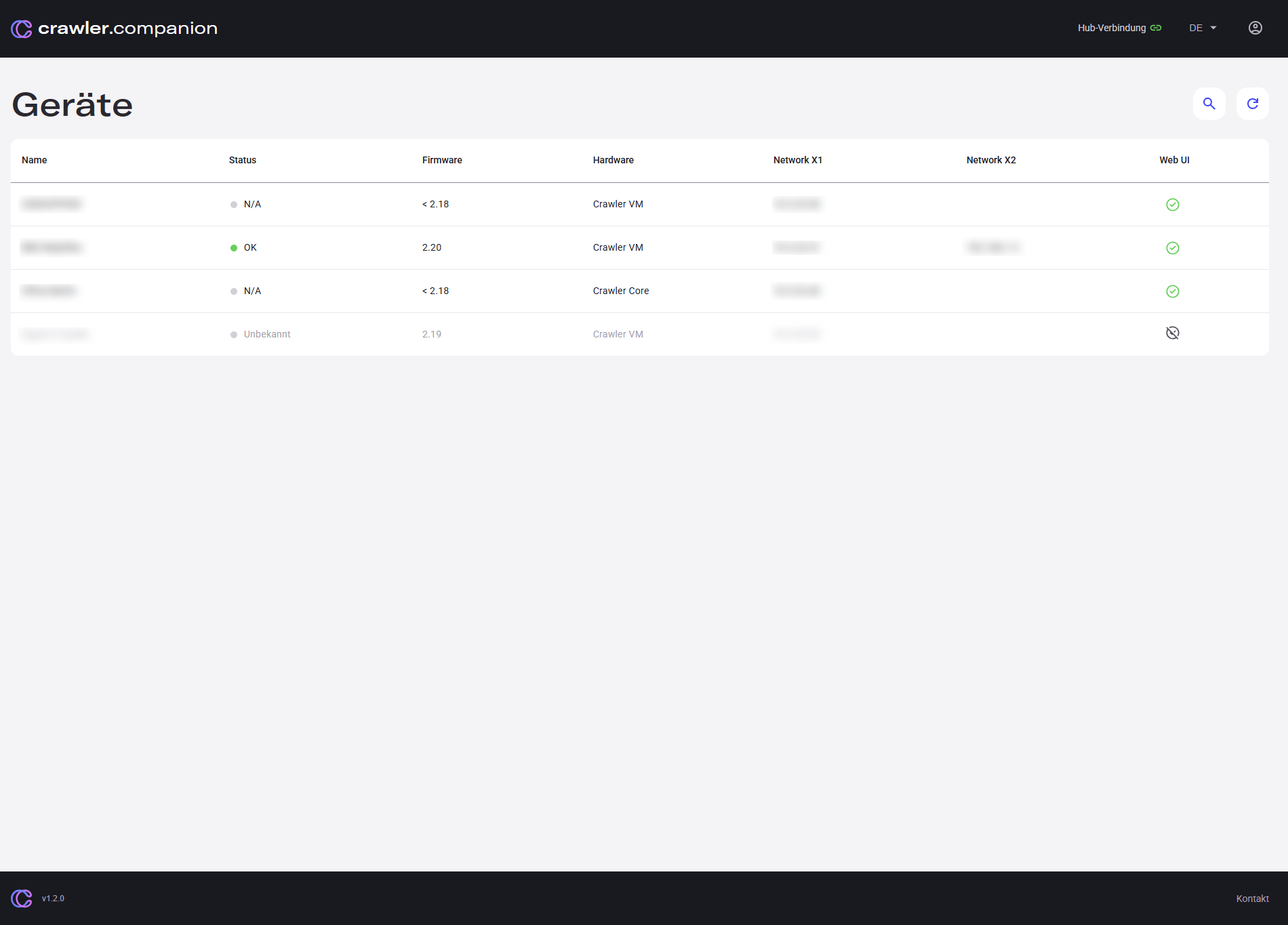
All discovered Edge devices appear in the main device list with their name, hardware type, firmware version, and network information.
Unconfigured devices are shown with status N/A — they can be selected and configured directly from here.
-
Select a device
Click any row to open the device detail panel on the right side.