

Devices
The Devices section is the central view in Hub. It lists all Edge devices registered in your organization and lets you view and edit their details.
Device List
Section titled “Device List”After logging in, you land directly on the device list showing all Edge devices registered in your organization.
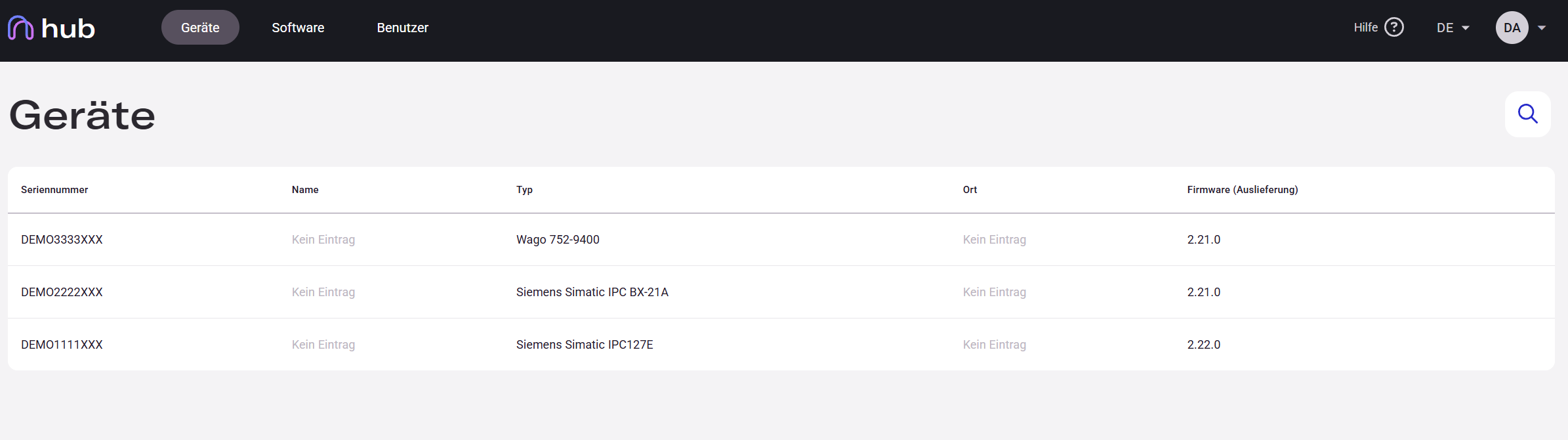
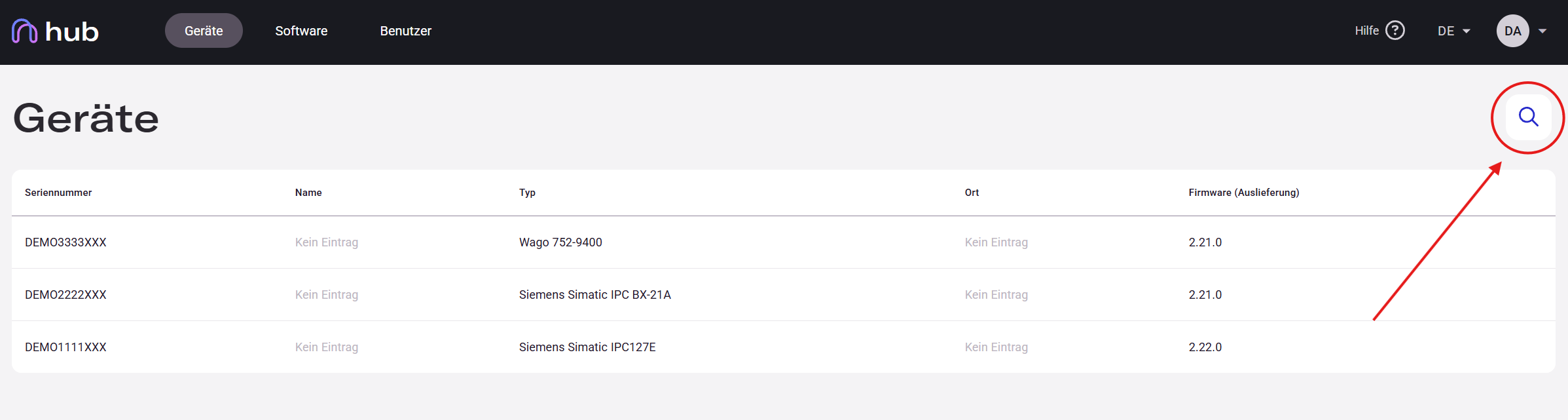
Use the search field in the top right to search by device name, serial number, or any other column value. To sort the list, click the arrow in the desired column header. See Search and Sort for details.
Device Detail Panel
Section titled “Device Detail Panel”Click any row in the Devices panel of Hub — a detail panel opens on the right side of the screen.
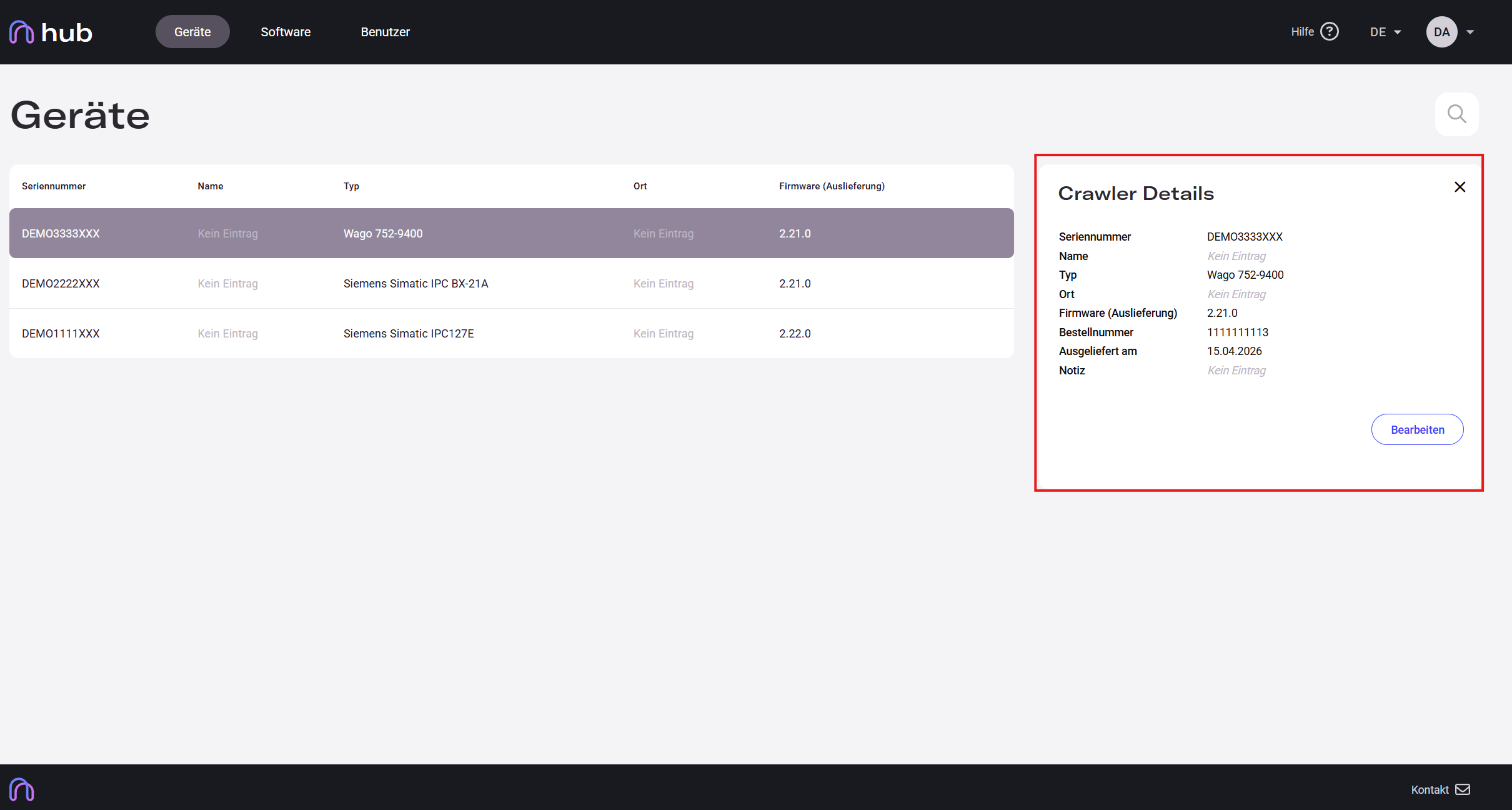
The panel contains the following fields:
| Field | Description |
|---|---|
| Serial Number | Unique device identifier (read-only) |
| Name | User-defined label (editable) |
| Type | Device model (read-only) |
| Location | Physical installation site (editable) |
| Firmware (Delivery) | Firmware version as shipped (read-only) |
| Order Number | Internal reference number (read-only) |
| Delivered On | Date the device was delivered (read-only) |
| Notes | Free-text field for additional information (editable) |
Editing a Device
Section titled “Editing a Device”-
Click a device row to open the detail panel.
-
Click the Edit button to enable editing mode.
-
Update any of the following fields: Name, Location, or Notes.
-
Click Save to apply your changes.