

Users
The Users section lets administrators manage who has access to the Hub organization. It is only visible to users with the Admin role.
User Roles
Section titled “User Roles”Can view devices, software versions, and account settings
All User permissions plus user management (create accounts, assign roles, deactivate)
Overview
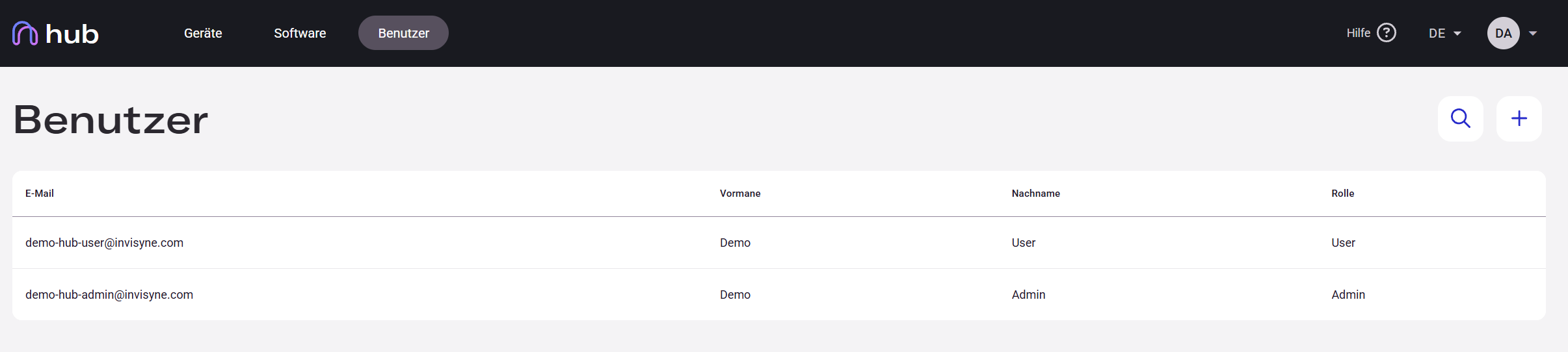
Section titled “Overview”Navigate to Users in the top navigation bar to see all accounts in your organization, including their name, email address, role, and status.
Creating a New User
Section titled “Creating a New User”Administrators can create new user accounts directly from the Users page. The account is created without a password — the user gains access only after being invited.
-
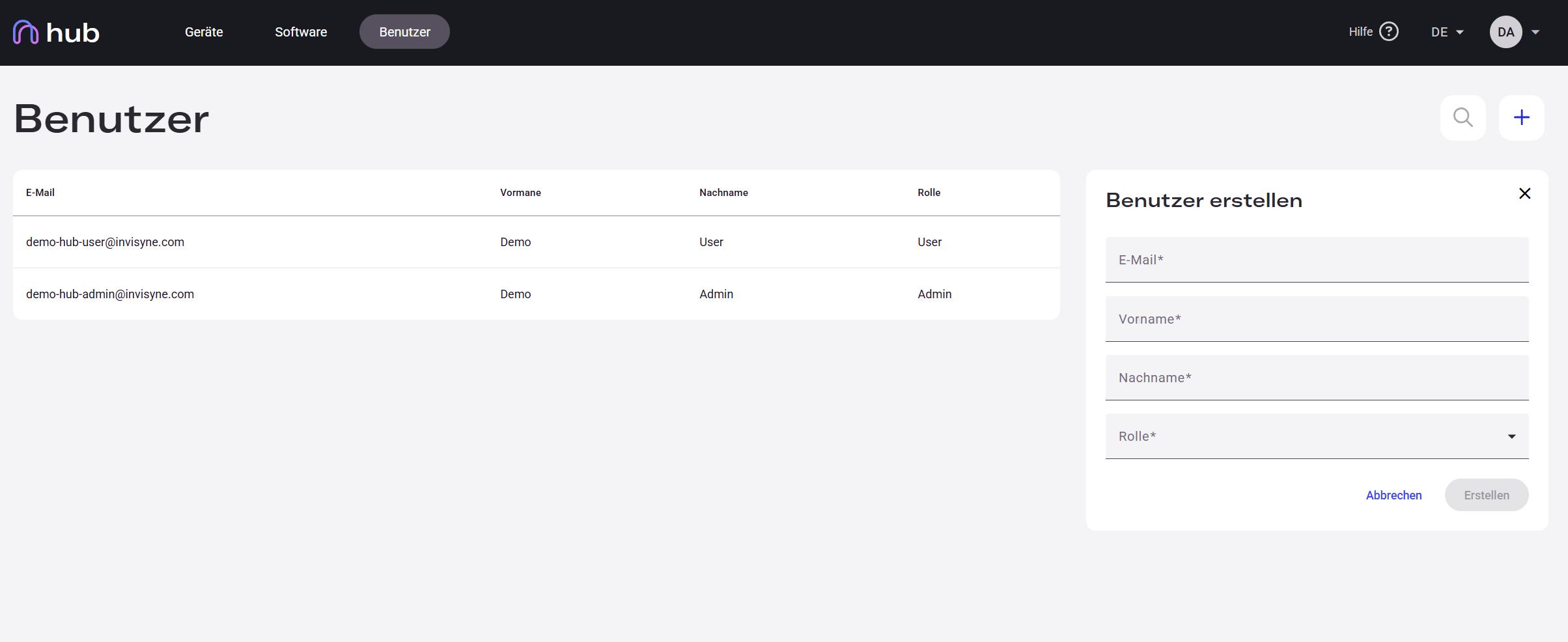
Click the + button to open the new user dialog.
-
Enter the user’s email address and their first and last name.
-
Select a role — User or Admin.
-
Click Create.
To grant the new user access, click Invite next to their entry — see Invite a New User.
Deactivating a User
Section titled “Deactivating a User”To deactivate an account, open the user entry and click Deactivate. The user loses access immediately. Deactivated accounts can be reactivated at any time.