Search and Sort
Many views in Hub include a real-time search field and sortable columns.
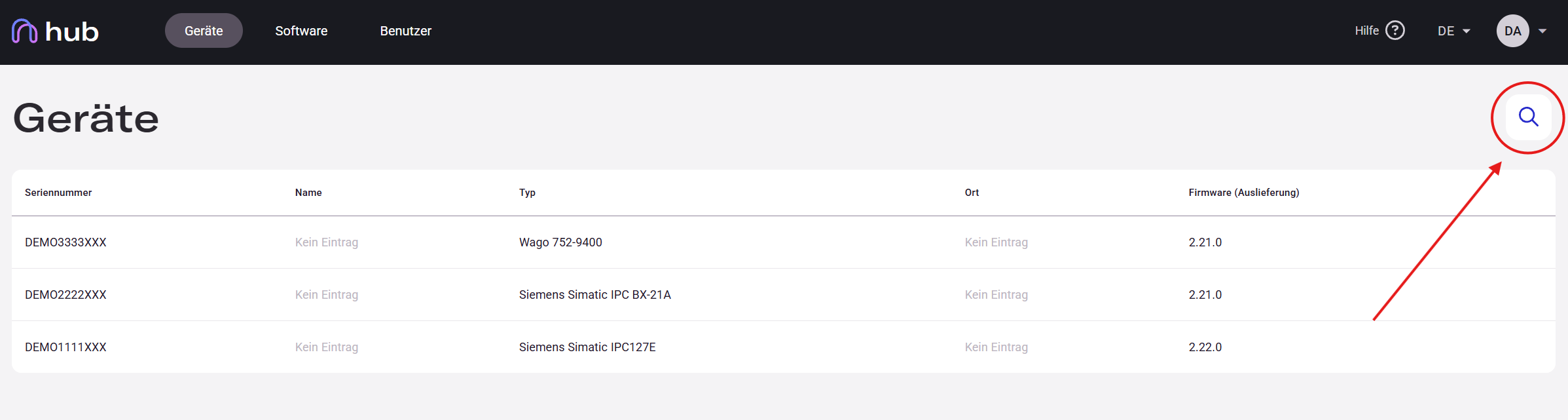
The search field is located in the top-right corner of the active view — look for the magnifying glass icon. Click the search icon to open the input field.
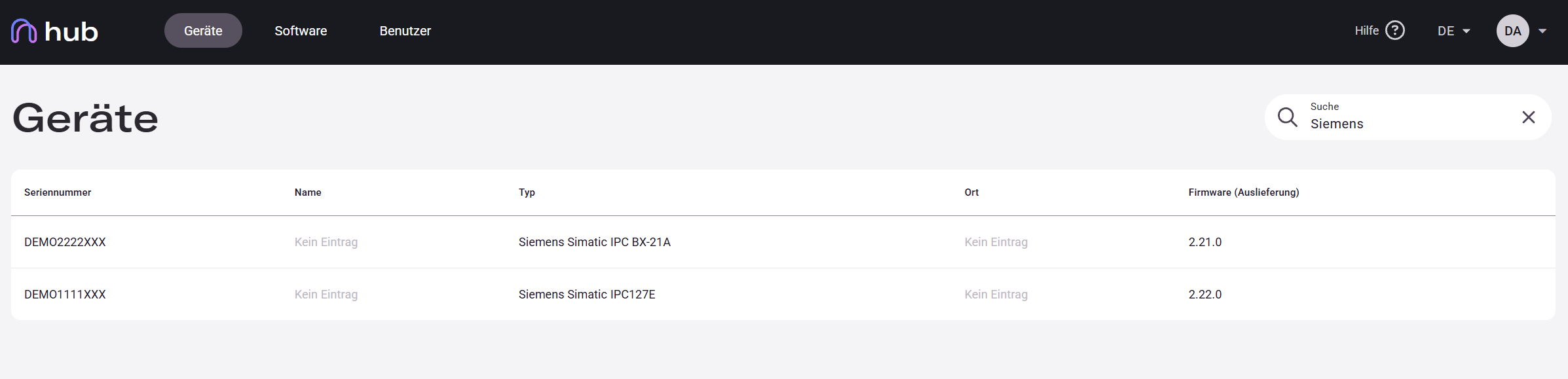
The search checks all visible columns of the active view in real time.
Start typing — the list updates in real time. To reset: click the × icon or delete the text.
A partial term is enough — any entry containing it in any column will match.
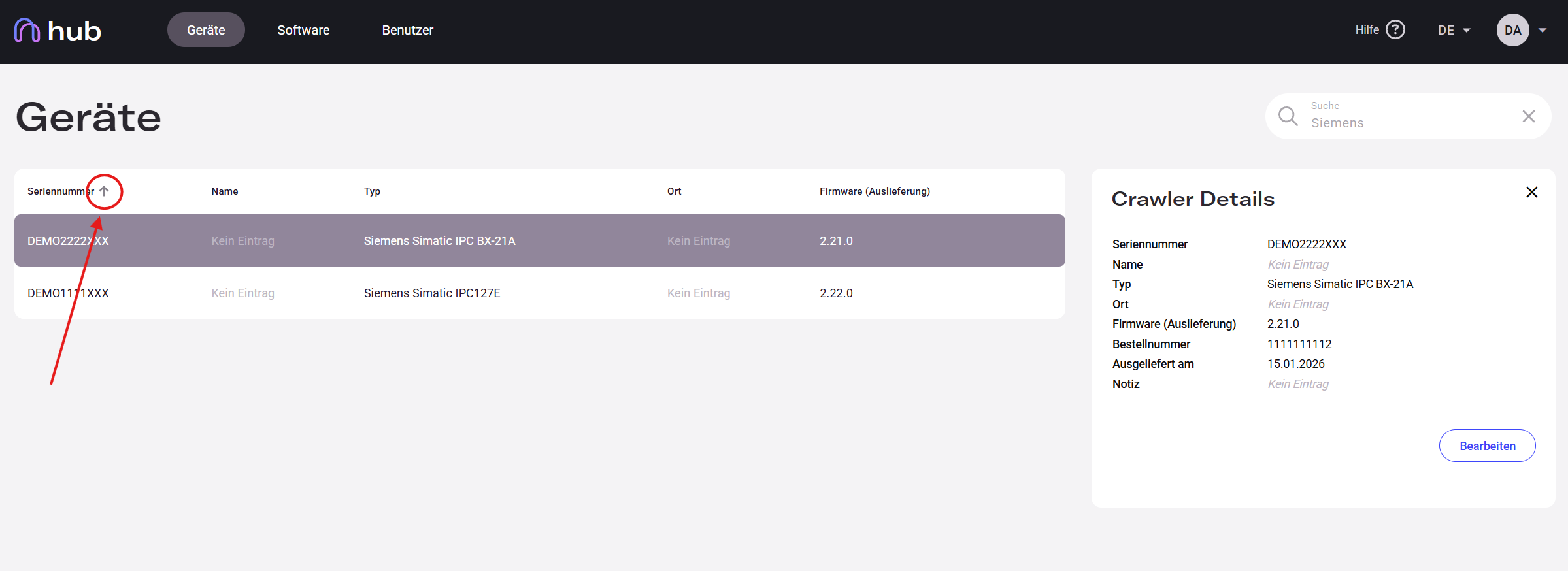
Click any column header to sort the list by that column. Click again to reverse the direction. The arrow (↑ / ↓) next to the column name shows the active sort column and direction.
Sorting and searching work together — you can sort search results as well.