

Interface Overview
Crawler.Companion consists of three main areas: the header with connection status and settings, the device list showing all Edge devices discovered on the network, and the detail panel for configuring a single device.
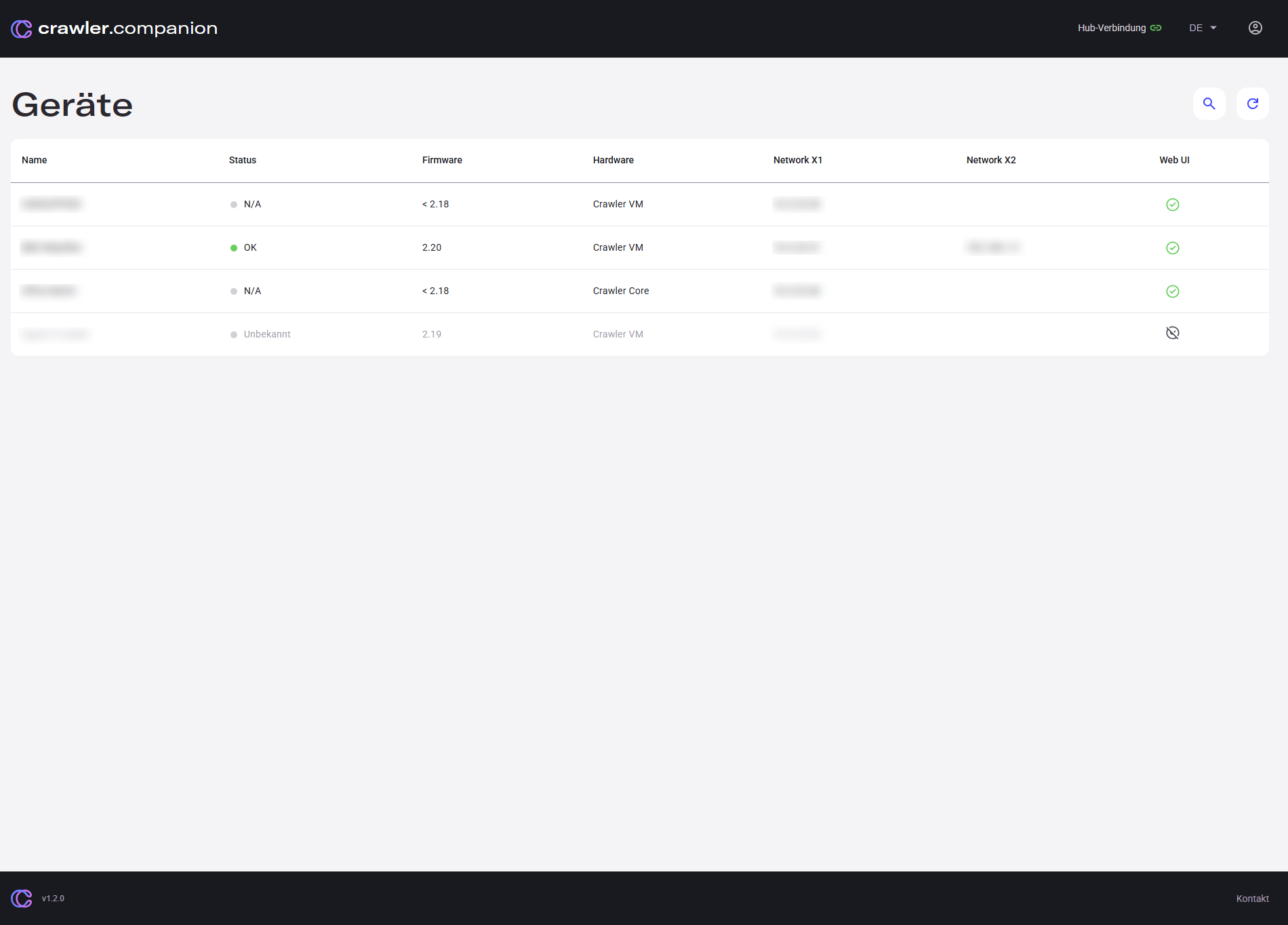
| Area | Description |
|---|---|
| Header | Top bar with the Hub connection indicator and language/settings controls. |
| Device list | Central table listing all Edge devices found on the local network. |
| Detail panel | Opens on the right when a device is selected — shows tabs for Details, Network, Update, and Export. |