Cursors
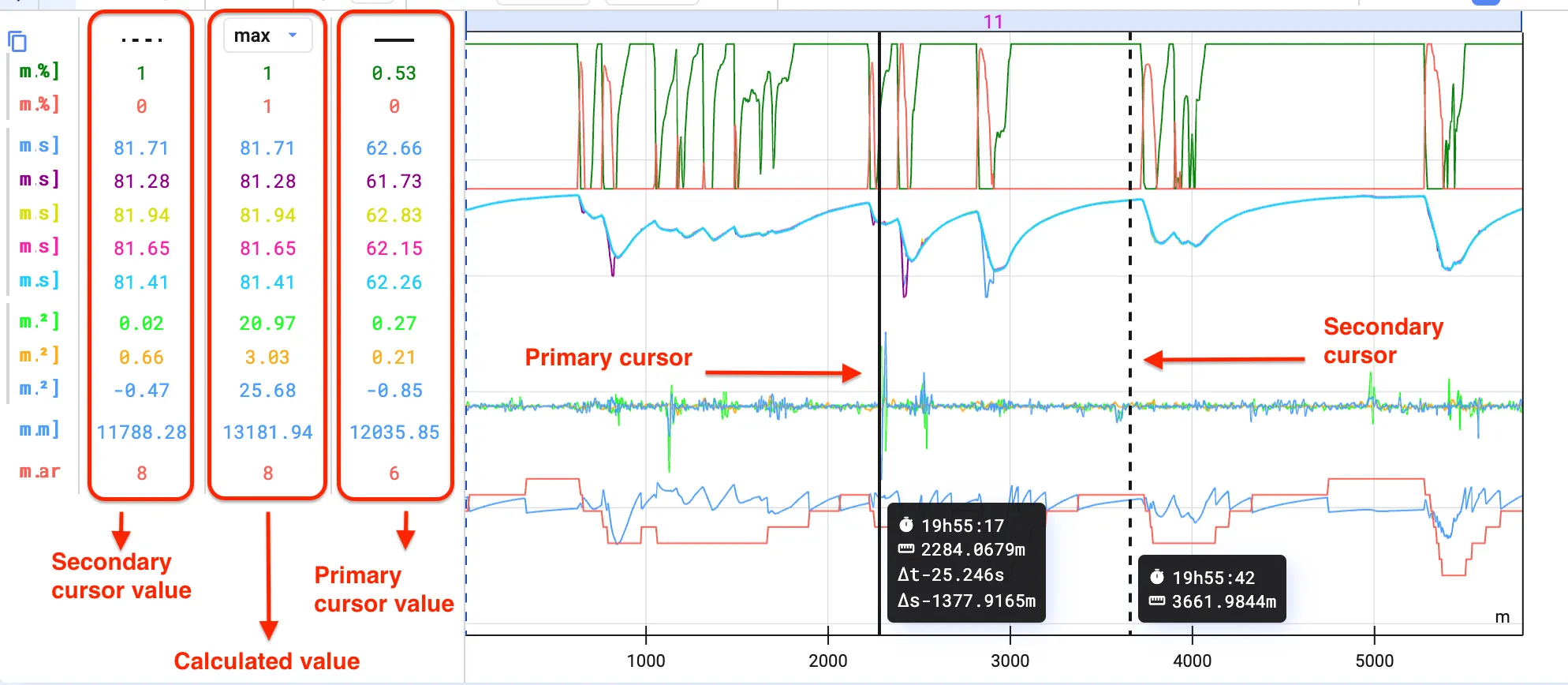
Cursors show the value of visualized signals at a specific point on the time axis. Add a second cursor to calculate the difference, minimum, maximum, and mean between the two points.
Placing a primary cursor
Section titled “Placing a primary cursor”Click the point in the time series plot where you want the cursor.
Placing a secondary cursor
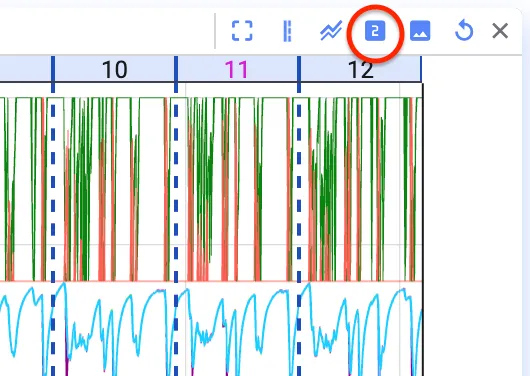
Section titled “Placing a secondary cursor”Hover over the plot and press Space, or click Enable Secondary Cursor in the toolbar above the plot. Press Escape or click the button again to remove it.
Calculations between cursors
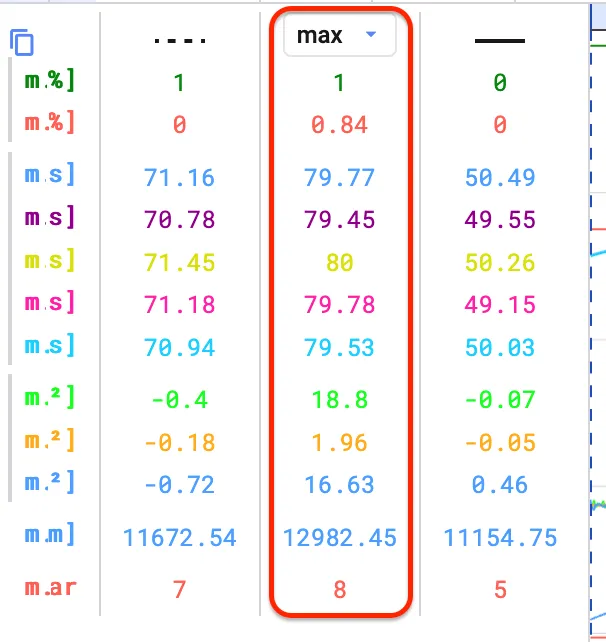
Section titled “Calculations between cursors”Results appear to the left of the plot, between the primary cursor (solid line) and the secondary cursor (dotted line).