

Analysis
Open an existing project

Section titled “Open an existing project”- From the home screen, find the project you want in the project list
- Select the data you want to visualize
- Click Open with selected data
Start a new project
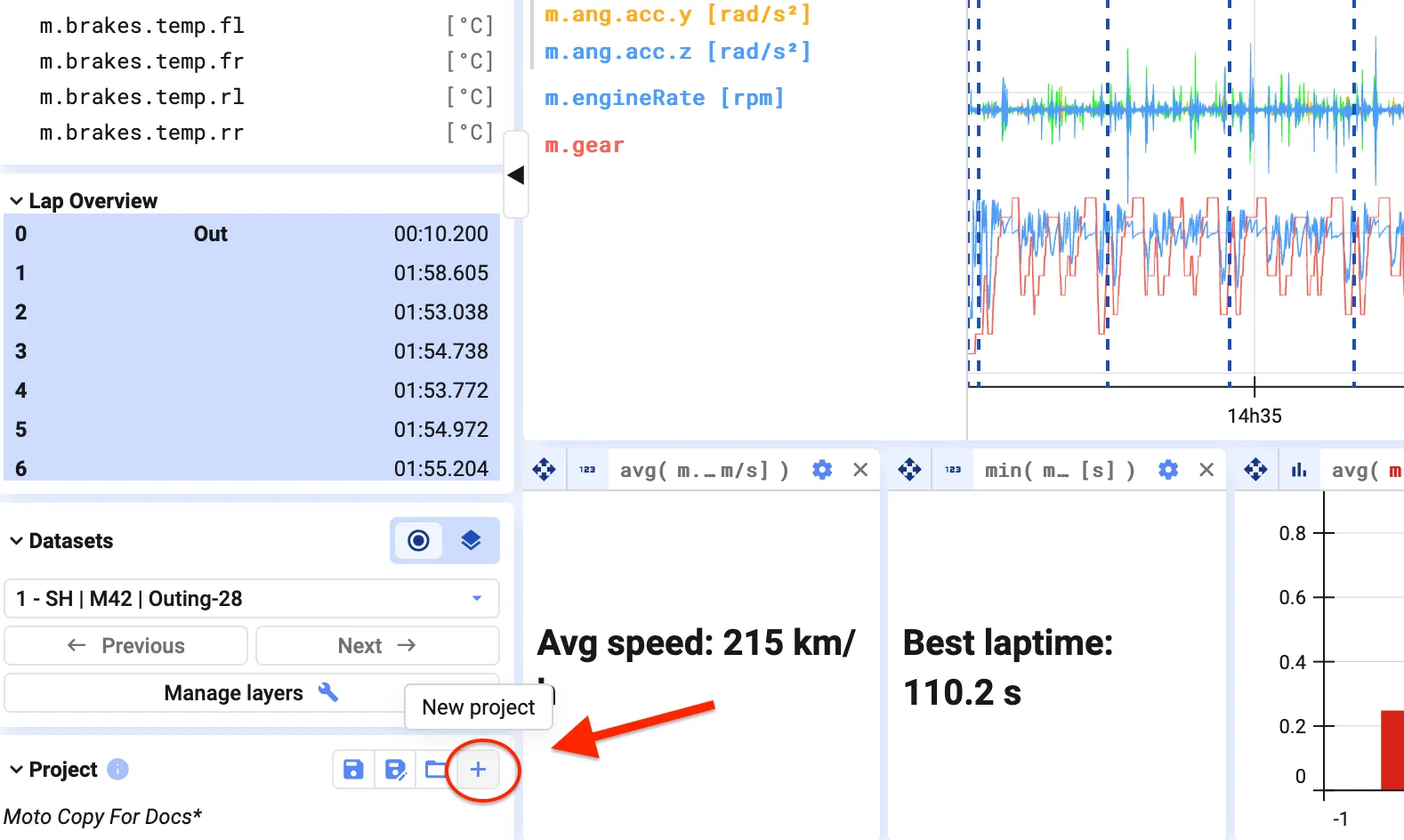
Section titled “Start a new project”To start fresh, click New Project in the bottom-left corner. This opens an empty project with no plots — see Add Data Sets for how to load data into it.
For background on what a project actually is (and how it differs from a single visualization), see Projects.