Functions Overview
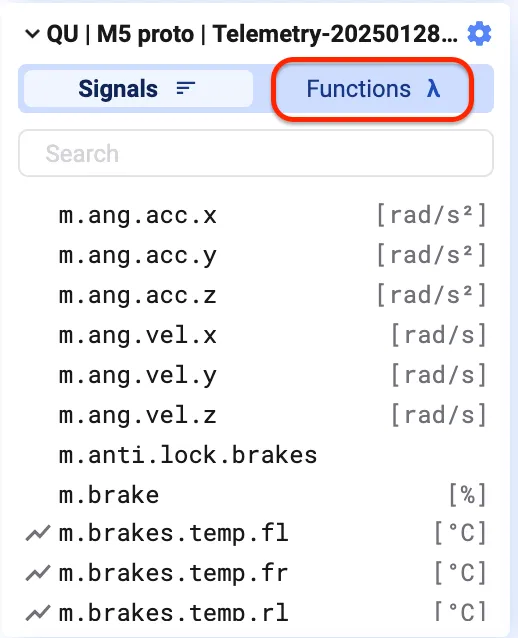
Switch to Functions in the signal list to see all functions currently added to your project. Use the search bar at the top to find one quickly.
Add a function to your project

Section titled “Add a function to your project”Same as adding a signal: double-click it, or drag and drop it onto a plot.
Function library
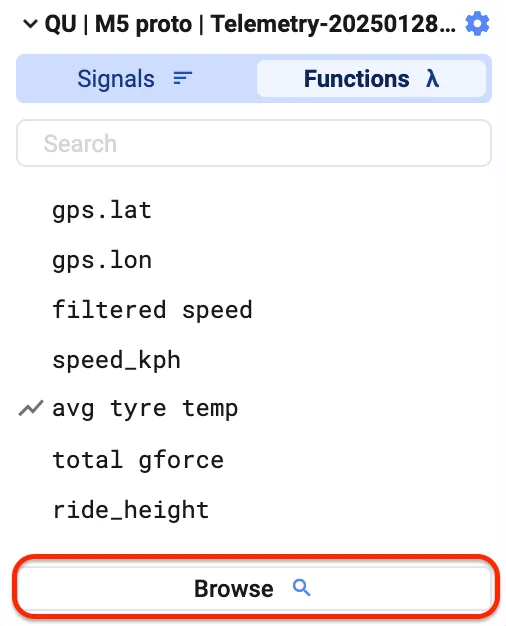
Section titled “Function library”Click Browse to open the Function Library — an overview of every function created in your workspace.
Search or filter it using the search bar and filter icon at the top of the dialog.

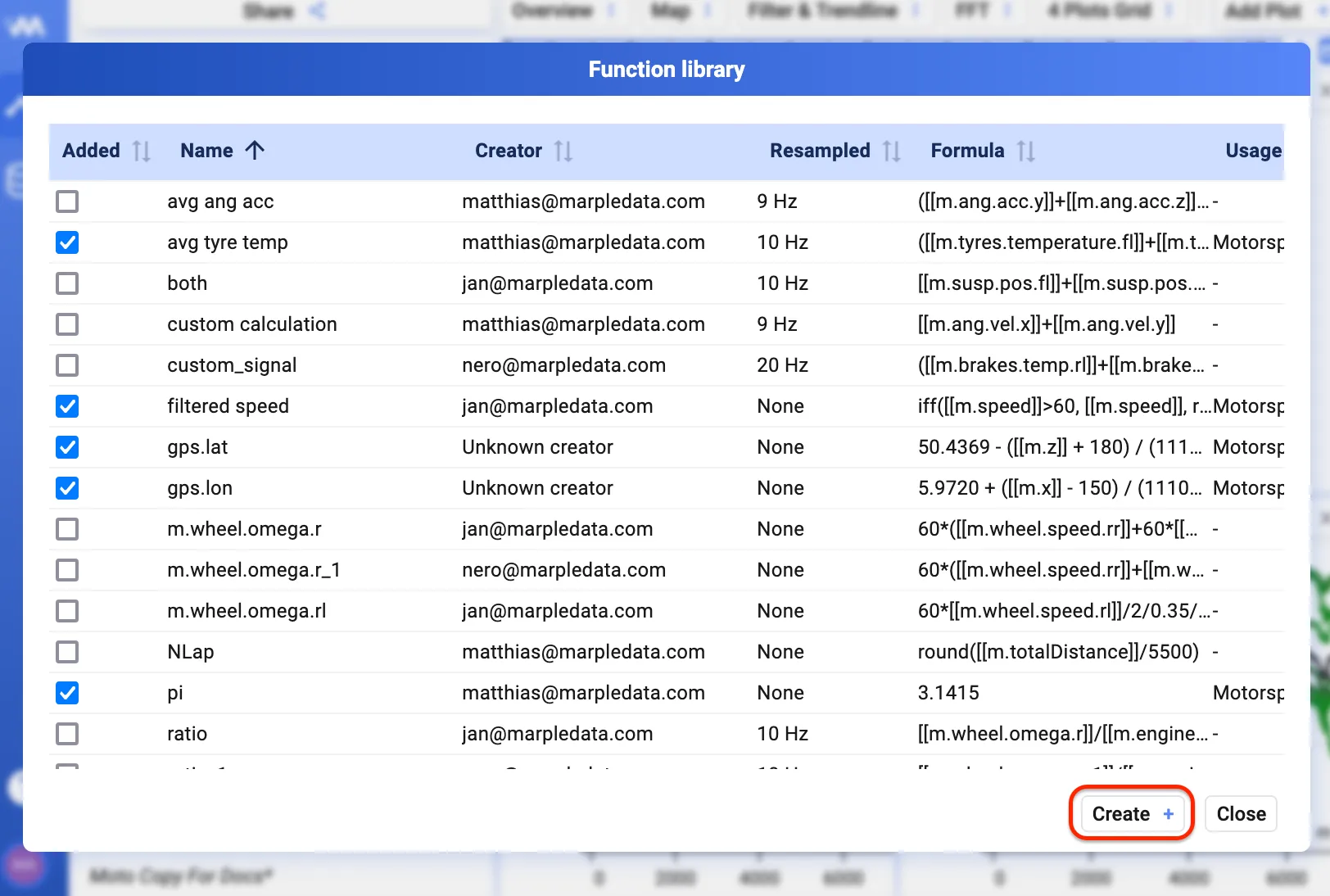
Create a new function
Section titled “Create a new function”Click Create in the bottom-left of the Function Library dialog. See Built-in functions and Custom functions for the two ways to define one.