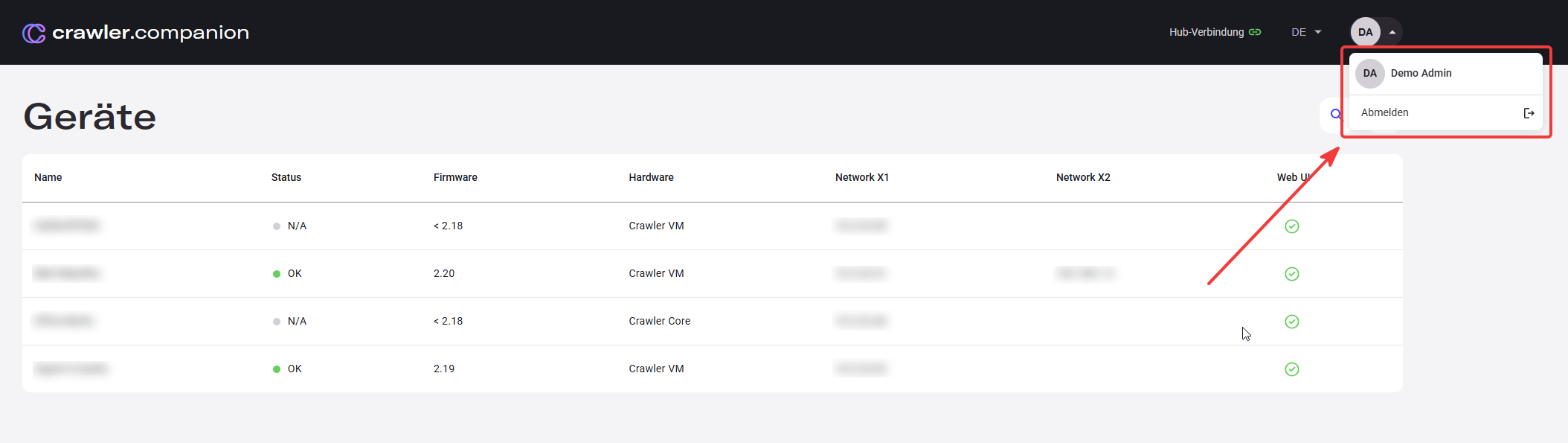
Login to Hub
Crawler.Companion can be used without a Hub login to manage devices on the local network. Signing in with a Hub account additionally enables extra features such as Deepview exports.
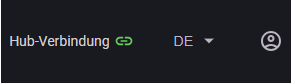
Click Hub-Verbindung in the top navigation bar. A login dialog appears.
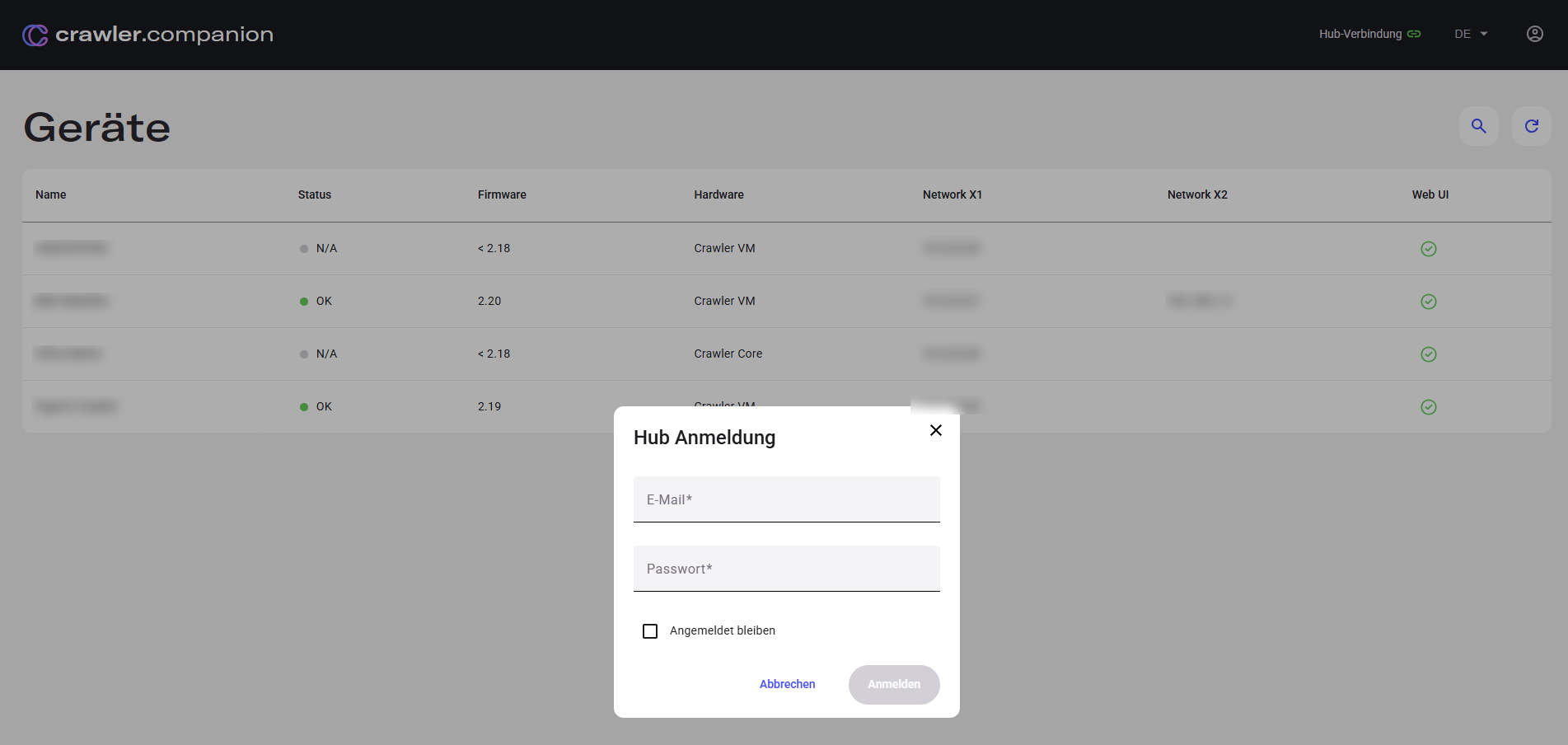
| Field | Description |
|---|---|
| Your Hub account email address. | |
| Passwort | Your Hub account password. |
| Angemeldet bleiben | Keep the session active after closing the app. |
Click Anmelden to sign in. The Hub-Verbindung indicator in the header turns green when connected.
Click the account icon (initials) in the top-right corner. A dropdown appears showing the logged-in user. Click Abmelden to sign out.