



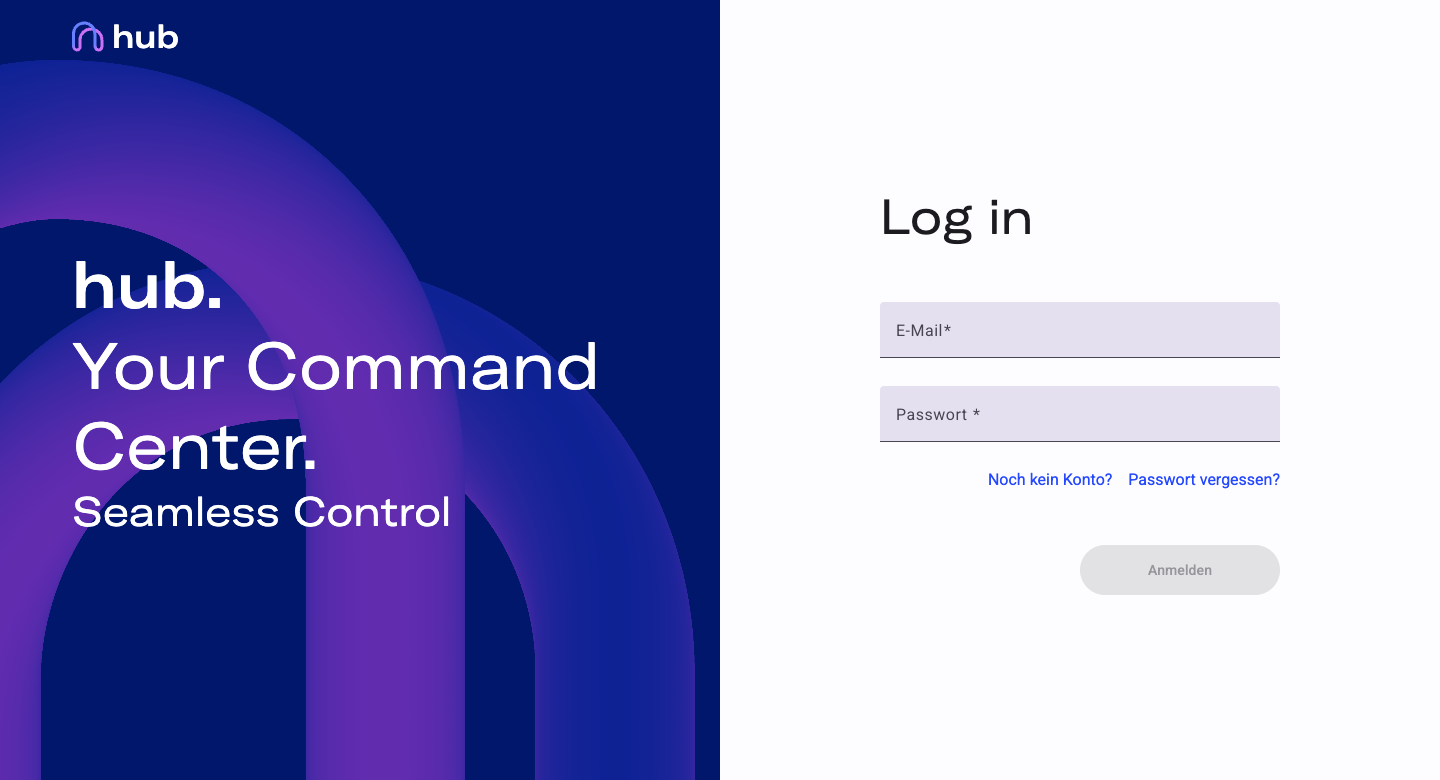
Hub is the central web-based management portal for registered Edge devices. It gives teams a single access point to monitor all deployed devices and manage software releases centrally — without requiring physical or network access to individual devices.
Hub is built for anyone who wants to monitor and manage Edge devices from a central point — especially when multiple devices are in use. Rather than managing each device in isolation, Hub aggregates everything relevant in one place: device status, firmware, and additional metadata. Software releases — both Edge firmware and Companion App updates — are published directly in Hub, making it the authoritative source for deployment-relevant downloads.
Access is governed by roles. Each user is assigned either the User or Admin role. Users can view devices and access software; Admins additionally manage user accounts and invitations for their organization.
Functional Scope
Section titled “Functional Scope”Overview of all registered Edge devices with key information such as serial number and firmware version. Click any device to open the detail view.*
Browse current and previous versions of Edge and Companion firmware. Each version lists new features along with links to documentation, changelog, and download.
Edit your personal details (name) and change your password.
* Device information such as notes can be edited in the detail view.
Create user accounts, assign roles (Admin or User), and manage access within the organization.
The Admin role includes all features available to Users.
Security Notes
Section titled “Security Notes”Hub automatically logs you out after a period of inactivity. Always log out manually on shared computers.
An admin creates your account and sends you your login credentials. You can change your password at any time.
Your access is limited to the functions assigned to your role.
Hub is accessible exclusively via an encrypted HTTPS connection.