

Backup & Restore
The Backup tab in the device detail panel contains two sections: Messdaten (measurement data) and Konfiguration (configuration). Each section has its own storage path for backup files.
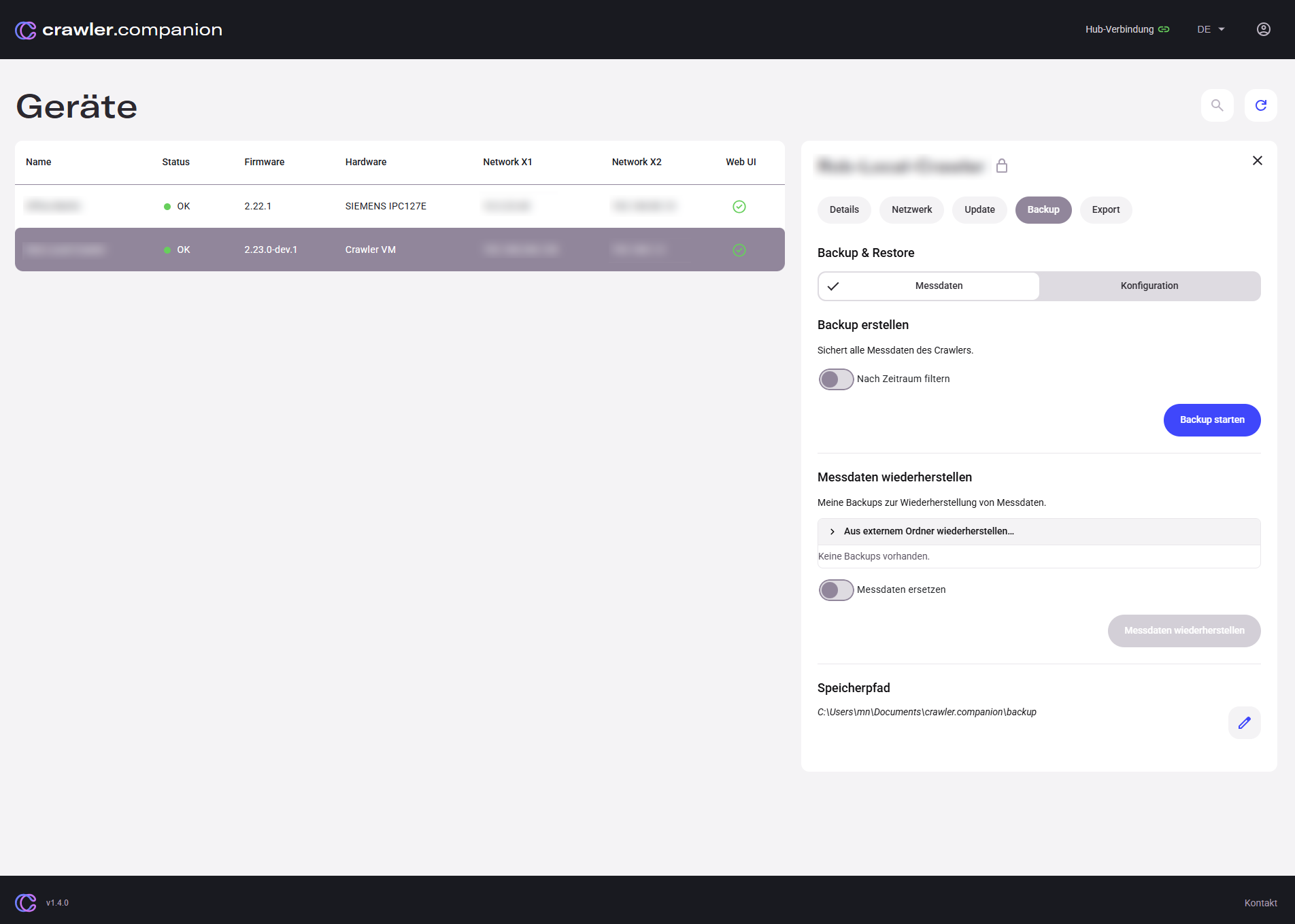
Create backup
Section titled “Create backup”Saves all measurement data from the Crawler as an archive in the configured storage path.
| Element | Description |
|---|---|
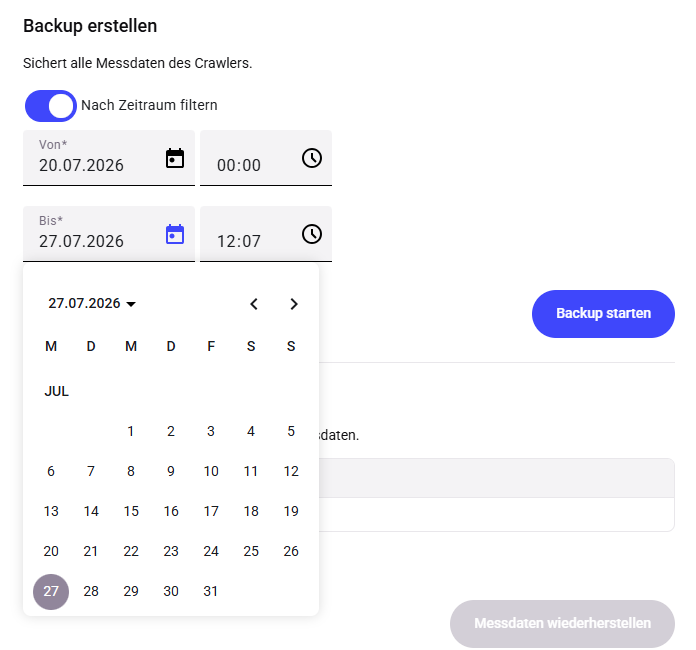
| Nach Zeitraum filtern | Toggle — when enabled, Von (from) and Bis (to) date/time fields appear. Only measurement data within this time range is included in the backup. |
| Von / Bis | Time range selector with date picker. Only visible when „Nach Zeitraum filtern” is enabled. |
| Backup starten | Starts the backup. A progress bar shows the status. While running, Backup abbrechen appears as an alternative. |
Restore measurement data
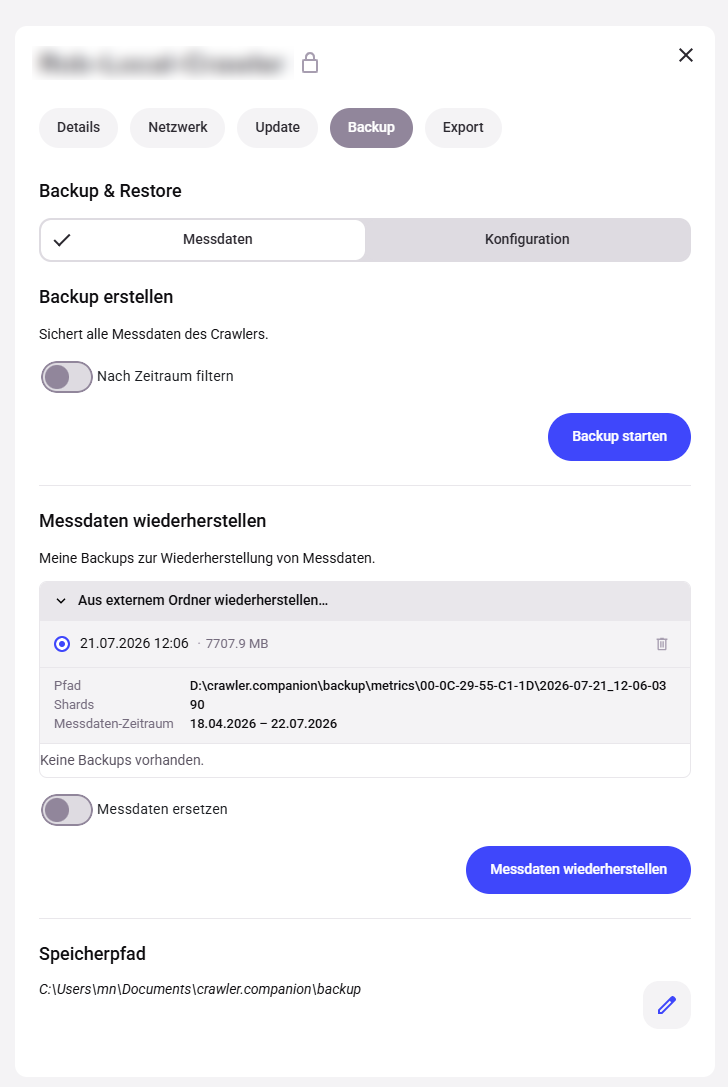
Section titled “Restore measurement data”Restores measurement data from an existing backup.
| Element | Description |
|---|---|
| Aus externem Ordner wiederherstellen… | Expandable section — lists backups found in the storage path. Each entry shows date, size, path, shards, and measurement data time range. Click an entry to select it (blue dot). |
| Messdaten ersetzen | Toggle — when enabled, existing measurement data for the same time range is overwritten. When disabled, the restored data is added alongside existing data. |
| Messdaten wiederherstellen | Starts the restore. Only active when a backup is selected. |
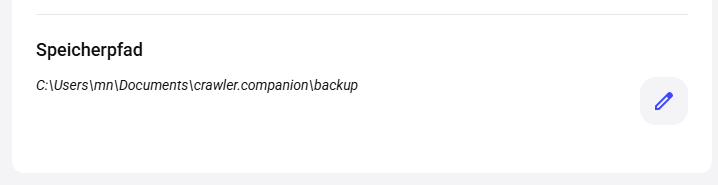
Storage path
Section titled “Storage path”Shows the local path where measurement data backups are stored. Click the pencil icon to change the path.
Save configuration
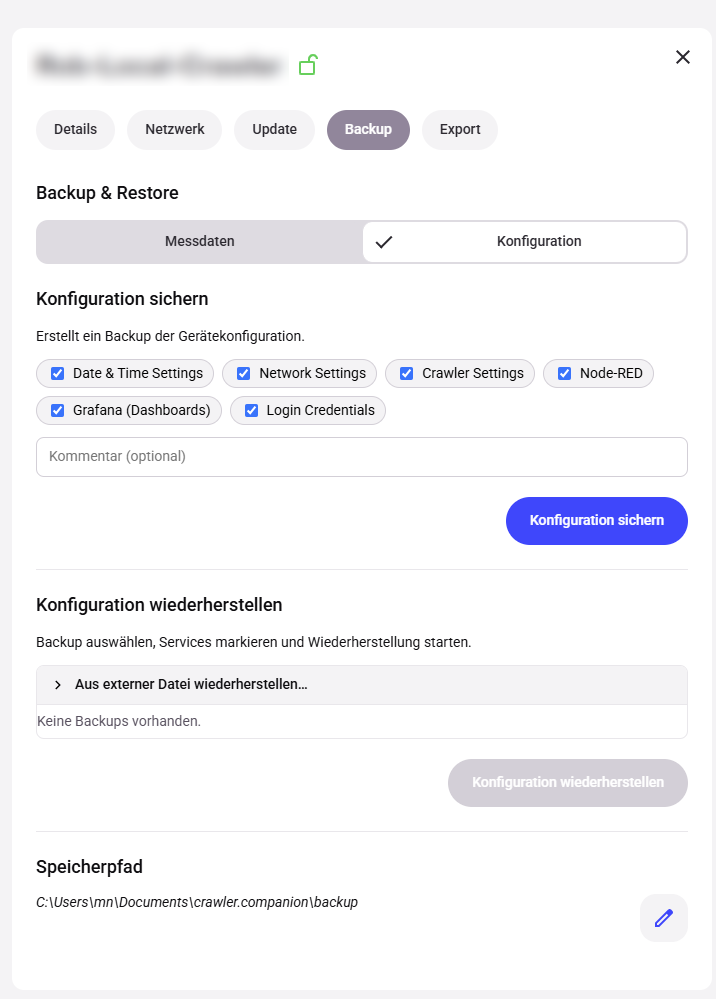
Section titled “Save configuration”Creates a backup of the device configuration. Each component can be included or excluded individually.
| Element | Description |
|---|---|
| Date & Time Settings | Date and time settings of the device. |
| Network Settings | Network configuration (IP addresses, DNS, etc.). |
| Crawler Settings | Device-specific Crawler settings. |
| Node-RED | Node-RED flows and configuration. |
| Grafana (Dashboards) | Grafana dashboards. |
| Login Credentials | Login credentials of the device. |
| Kommentar (optional) | Free-text field for a description of the backup. |
| Konfiguration sichern | Starts the backup. A progress bar shows the status. |
Restore configuration
Section titled “Restore configuration”Restores a saved device configuration.
| Element | Description |
|---|---|
| Aus externer Datei wiederherstellen… | Expandable section — allows uploading a configuration file from outside the storage path. |
| Device backups | Below the upload section, existing backups for this device are listed. Click a backup to select it. |
| Konfiguration wiederherstellen | Starts the restore using the selected backup. Only active when a backup is selected. |
Storage path
Section titled “Storage path”Shows the local path where configuration backups are stored. Click the pencil icon to change the path.