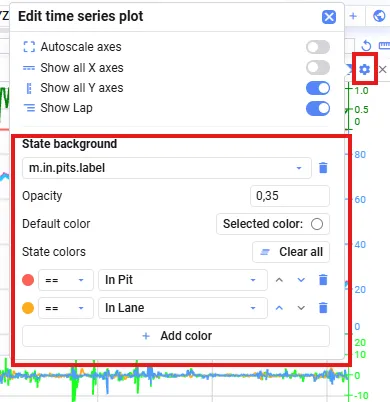
State background
You can color the background of a Time Series plot based on the state or value of another signal.
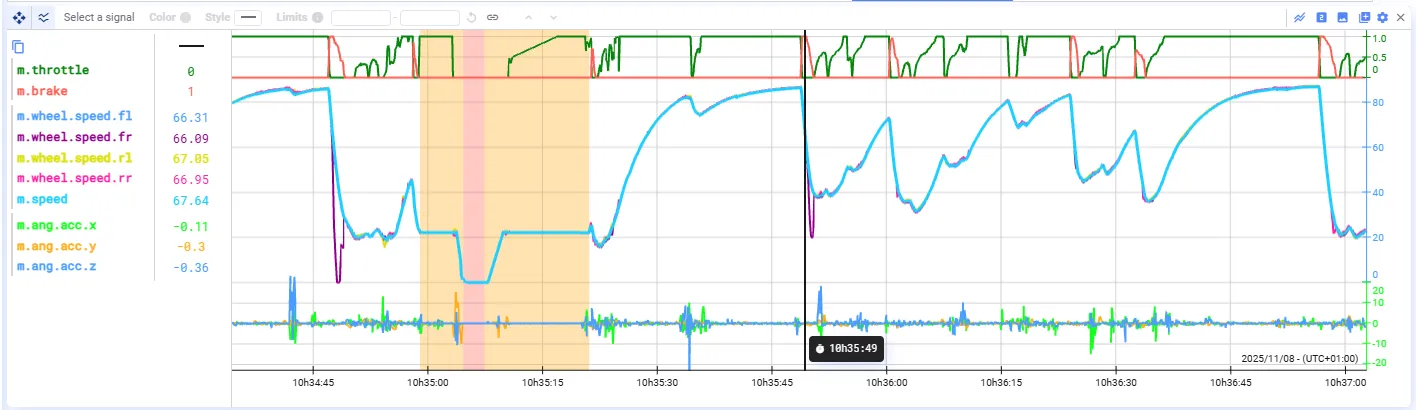
To configure background coloring:
- Open the plot settings of your Time Series plot.
- Drag or select a signal and add it to the State background section.
- Define which states or values should correspond to which background colors.
- The rules are applied from top to bottom — the background is colored according to the first matching rule.