

Login / Authentication
Account Setup
Section titled “Account Setup”Access to Hub is by invitation only — there is no self-registration. An administrator creates your account, then invites you by clicking Invite. You’ll receive an email with a reset code to set your own password. You can change your password at any time in your Account Settings.
Logging In
Section titled “Logging In”-
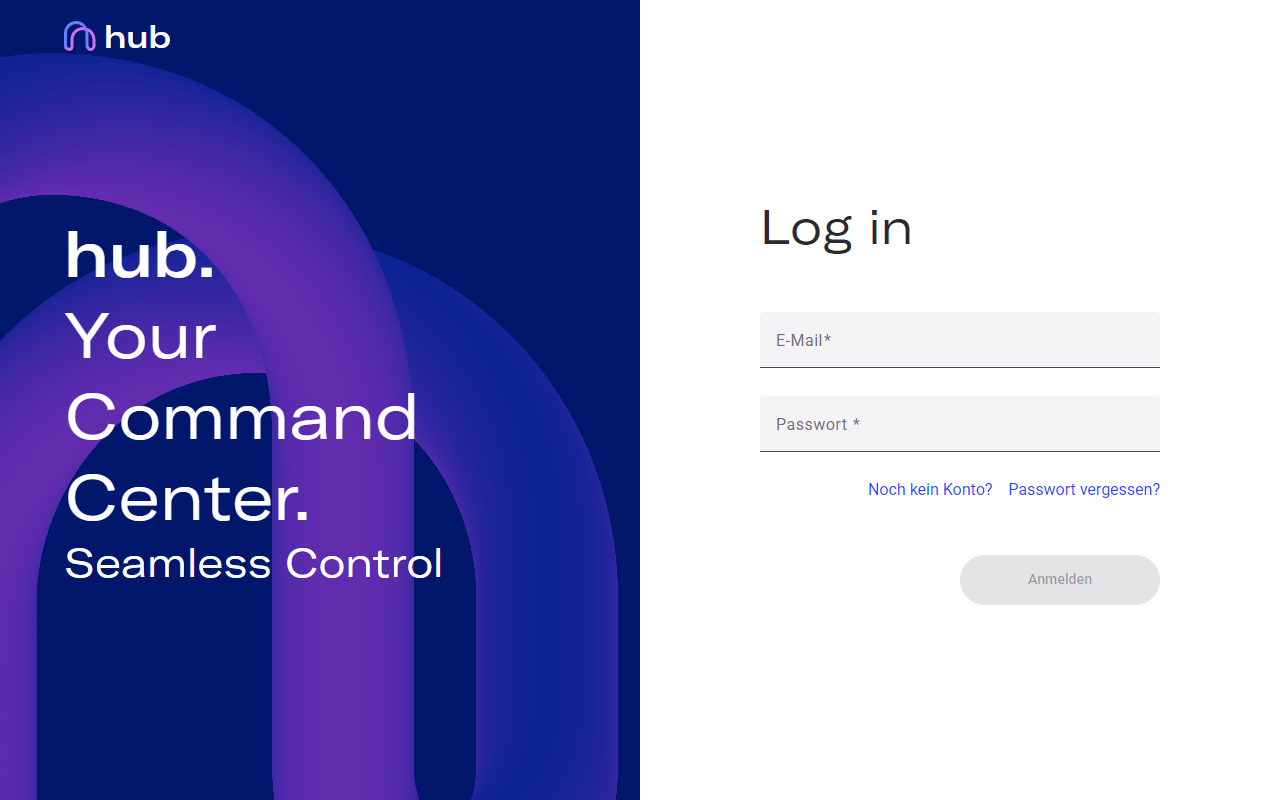
Navigate to the Hub URL in your browser. The login page opens automatically.
-
Enter your email address and password in the respective fields.
-
Click Sign in.
Forgot Your Password?
Section titled “Forgot Your Password?”Click Forgot password? on the login page. Enter your email address and you will receive a reset link. If you do not receive the email, check your spam folder or contact your administrator.
Session and Logout
Section titled “Session and Logout”Hub automatically logs you out after a period of inactivity. On shared or public computers, always log out manually — click your profile icon in the top right and select Logout.