Keyboard Shortcuts
Several keyboard shortcuts make using Deepview a lot easier — for mouse actions, see Mouse Actions.
Keyboard shortcuts
Section titled “Keyboard shortcuts”| Key | Action |
|---|---|
i | Open “Manage Datasets” dialog |
m | Switch single/multiple datasets |
f | Open Function Library |
d | Toggle distance mode |
ctrl + s | Save project |
ctrl + b | Collapse sidebar |
ctrl + / | View shortcuts (this dialog) |
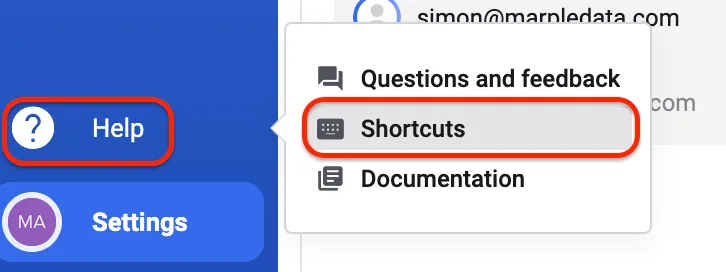
To see an overview of the shortcuts, click the Help icon in the left main sidebar, then click Shortcuts.