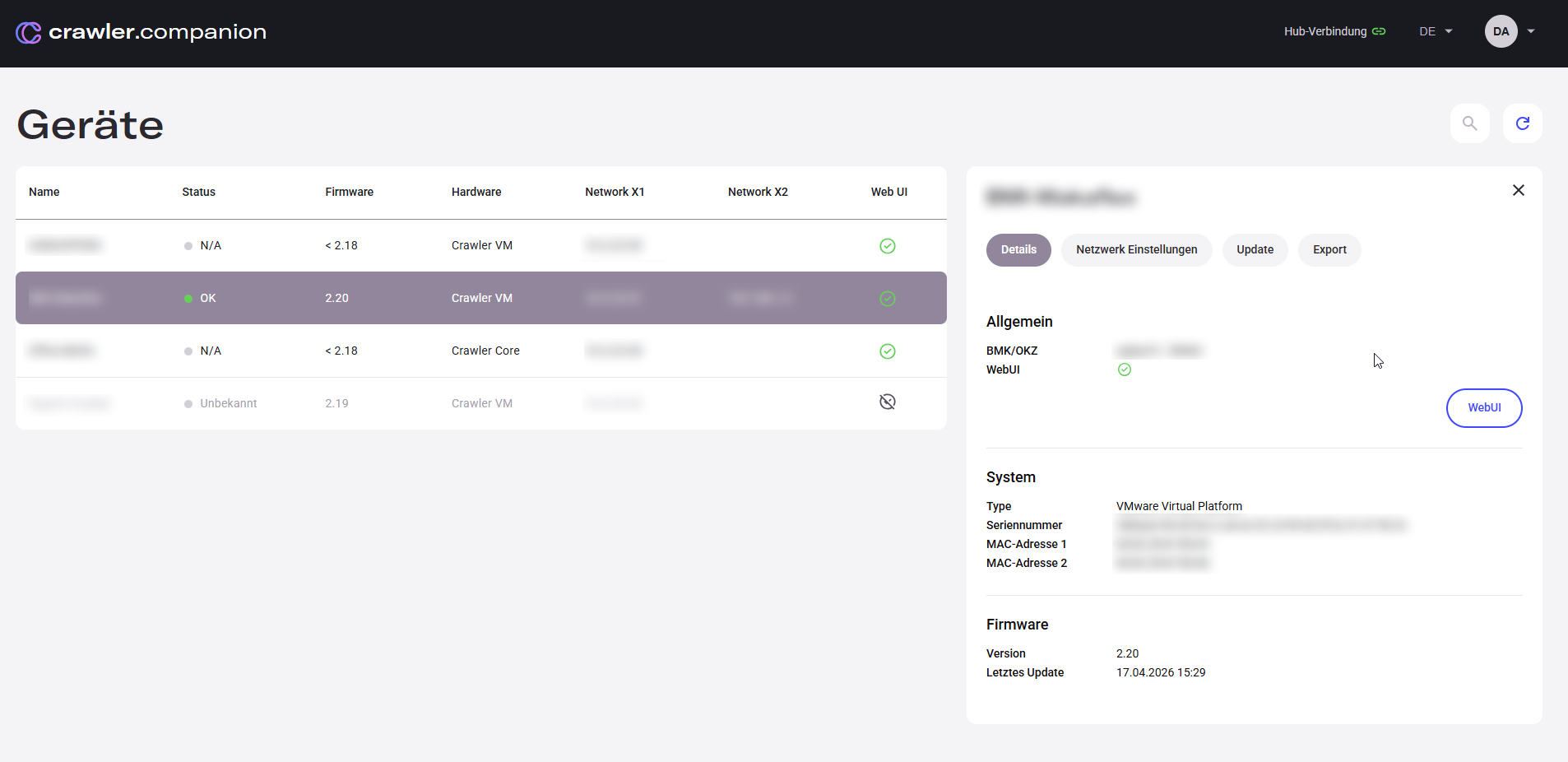
Clicking a device in the list opens the detail panel on the right. It contains four tabs: Details, Netzwerkeinstellungen, Update, and Export.
| Field | Description |
|---|
| BMK/OKZ | Device name as configured on the Edge device. |
| WebUI | Indicates whether the device’s web interface is reachable. Click WebUI to open it directly in the browser — no need to enter the IP address manually. Requires the Edge device to be on the same local network and reachable via HTTP. |
| Field | Description |
|---|
| Type | Hardware platform, e.g. VMware Virtual Platform, Crawler Core. |
| Seriennummer | Unique identifier of the device hardware. |
| MAC-Adresse 1 | MAC address of the X1 network adapter. |
| MAC-Adresse 2 | MAC address of the X2 network adapter, if present. |
| Field | Description |
|---|
| Version | Currently installed firmware version. |
| Letztes Update | Date and time of the last firmware update. |