User preferences
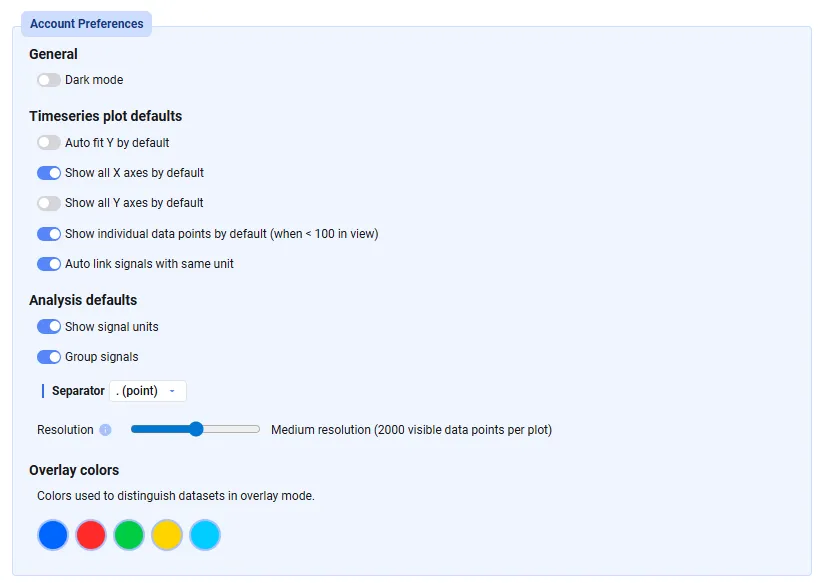
Set your personal preferences in Settings → Account → Account Preferences:
- General settings — toggle dark mode
- Timeseries plot defaults — default settings applied to all newly created Time Series plots
- Analysis defaults — settings for the Analysis tab, primarily related to the signal list
- Overlay colors — colors used to distinguish data sets in Overlay mode in the Analysis tab