

Sort, Search and Filter
The search and filter functions help narrow down the device list when many devices are present.
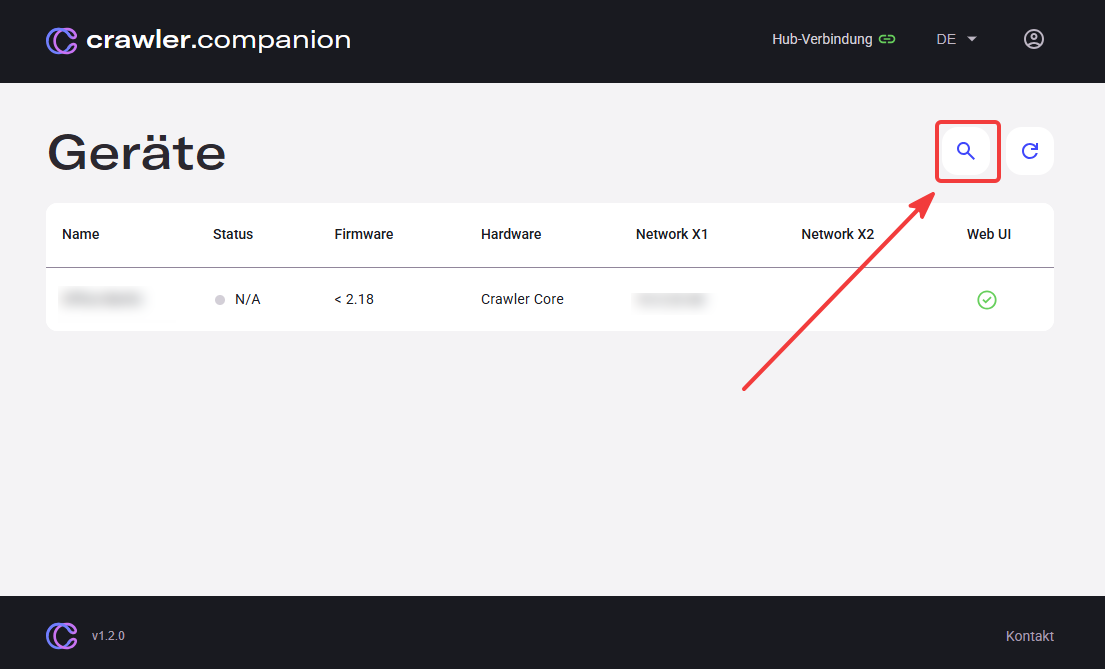
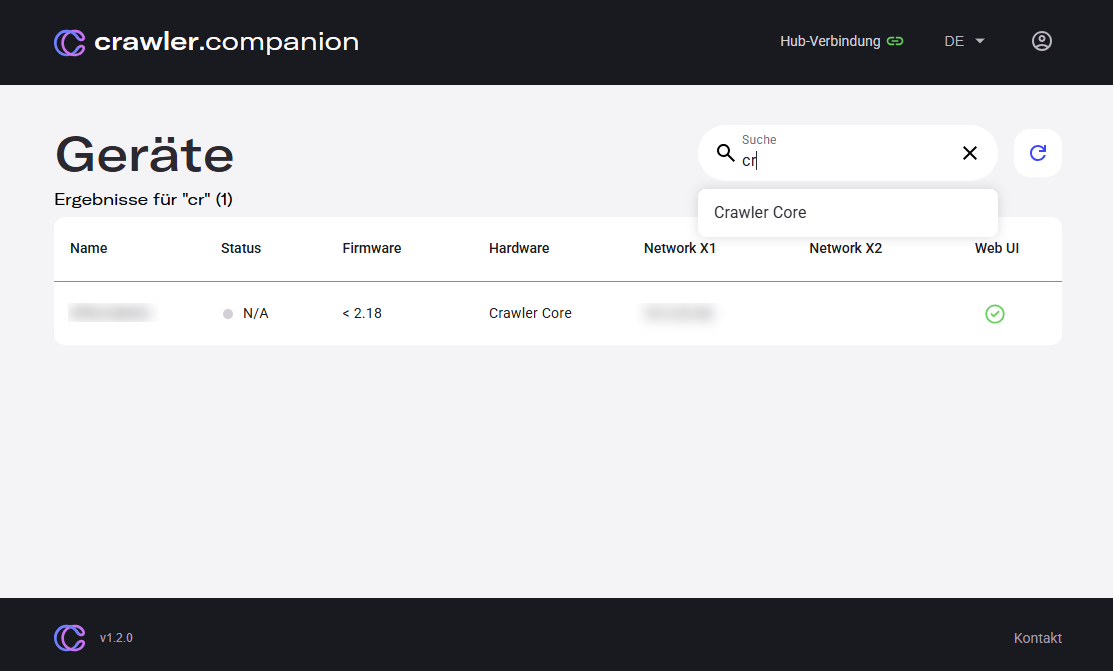
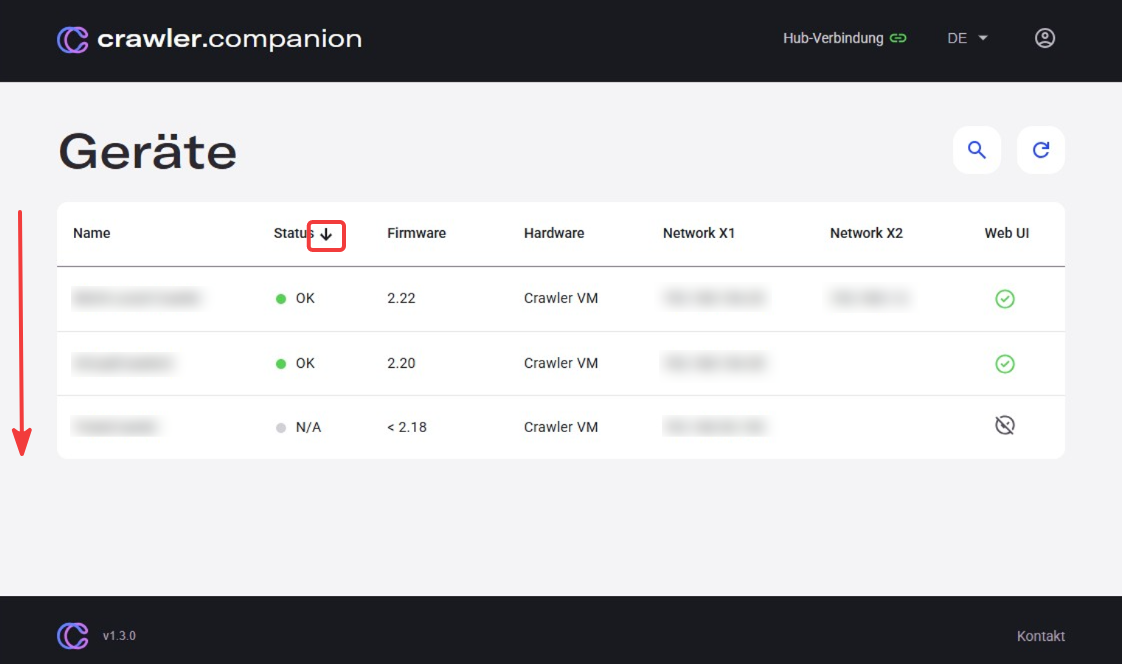
| Function | Description |
|---|---|
| Search | Type in the search field to filter the device list. For example, enter a hardware manufacturer such as Siemens or Wago to quickly find matching devices. |
| Sort | Hover over a column header — an arrow appears. Click it to sort the list by that column. |