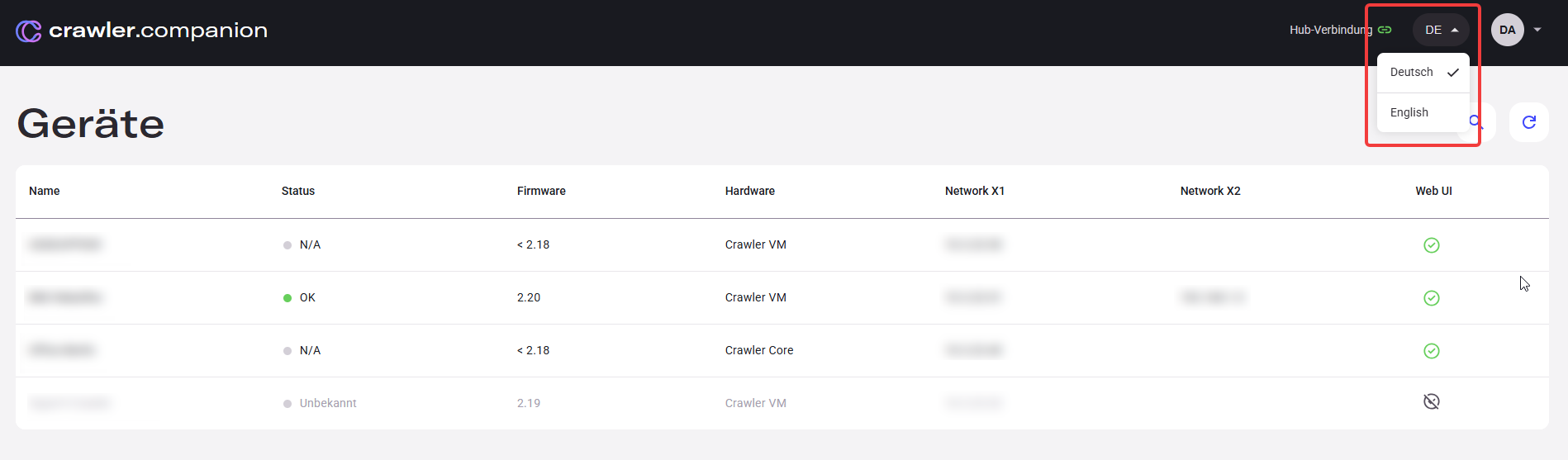
Language selection
Crawler.Companion is available in English and German. You can switch the language at any time using the language selector in the top-right corner.
- Click the language button (e.g., DE or EN) in the top-right corner of the interface.
- A dropdown appears with the available languages.
- Select your preferred language — the interface switches immediately.