Signal List
Once a data set is loaded into your project, select the signals you want to visualize from the signal list on the left side of the screen.
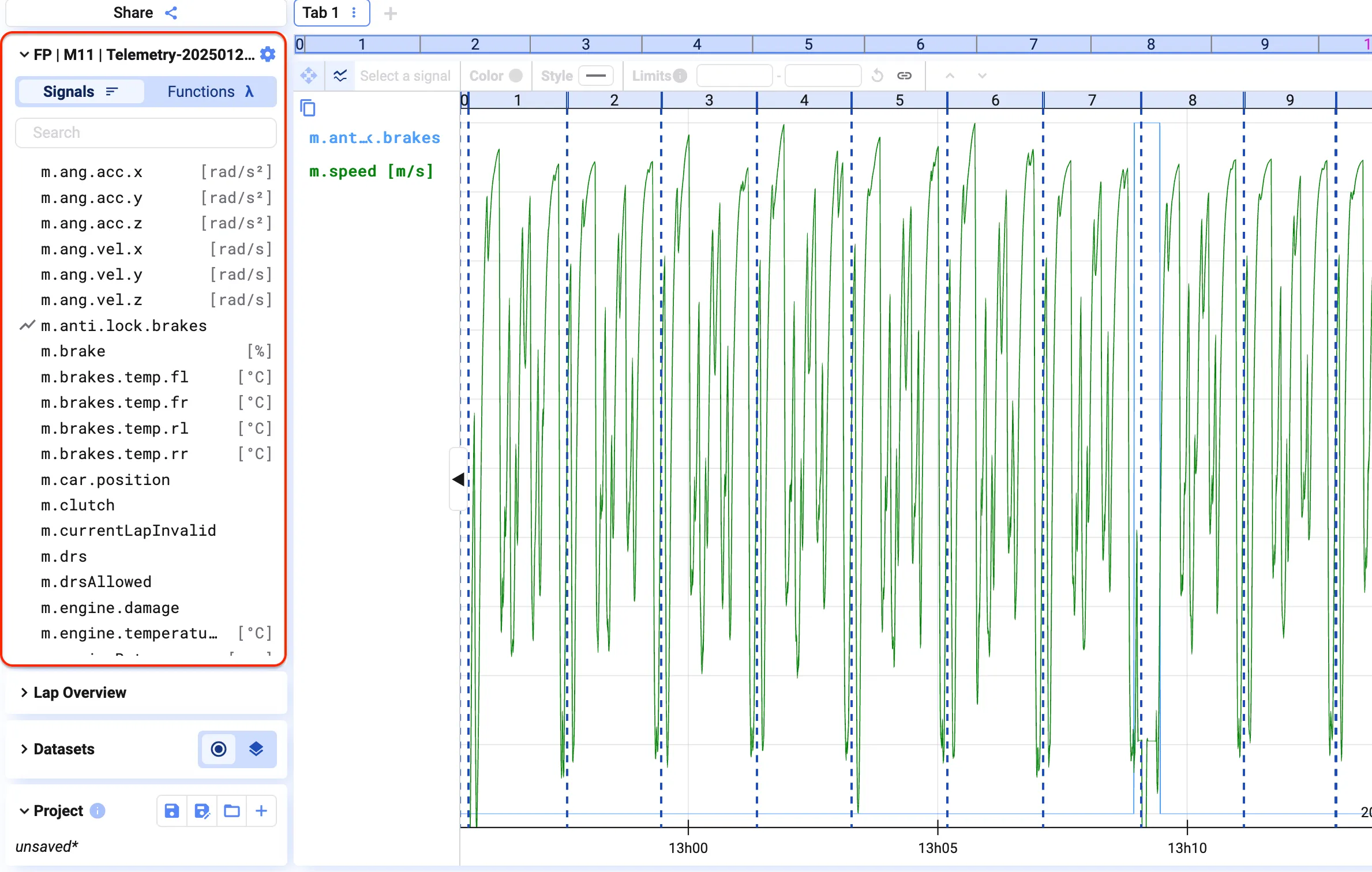
By default, the signal list shows a data set’s raw signals. Toggle the switch at the top of the list to see its functions instead.
Signal metadata


Section titled “Signal metadata”Hover over a signal name to see its metadata. See Database for how metadata is configured.
Add signals to a plot
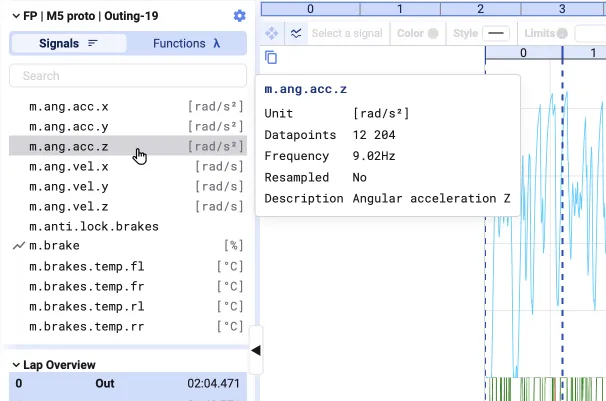
Section titled “Add signals to a plot”Double-click a signal, or drag and drop it onto a plot.
Use the search box to find a signal by fuzzy search across all available signals — typos and case differences (e.g. “t” vs. “T”) still match.

Signal list settings
Section titled “Signal list settings”Click the settings icon at the top-right of the signal list.
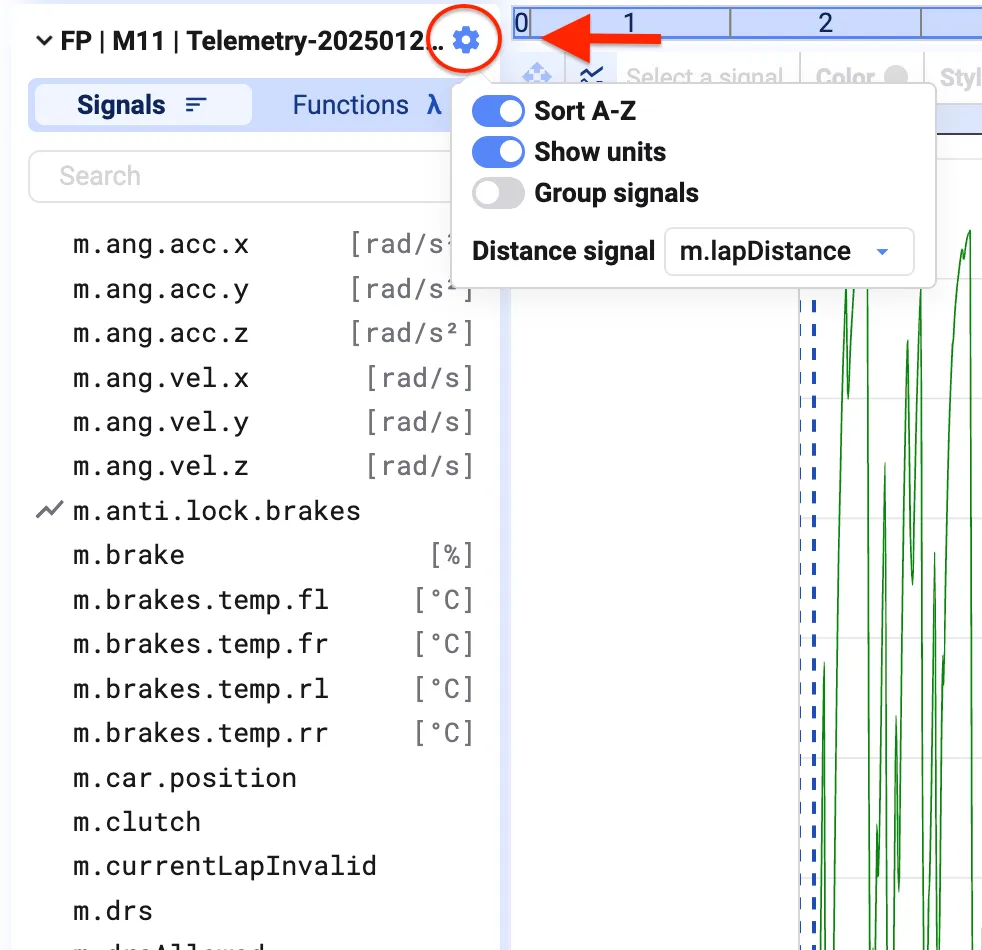
This lets you:
- Turn alphabetical sorting on or off
- Show or hide signal units
- Group signals, and choose the separator character used for grouping