

Reorganise Plots
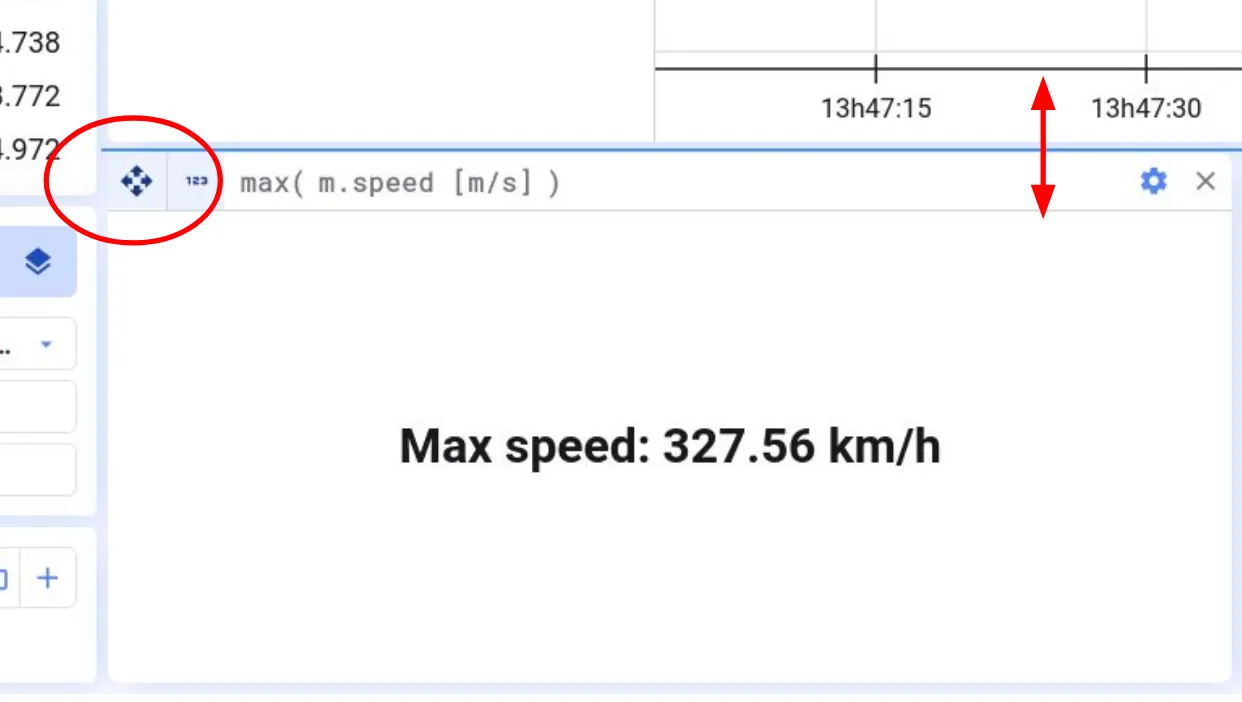

To reorganize plots, grab the arrows icon at the top-left of a plot and drag it to the desired position.
Here’s an example of reorganizing plots:

You can also make plots wider or smaller by dragging their borders.
Copy, paste and duplicate
Section titled “Copy, paste and duplicate”- Tabs: open the tab’s menu (⋮). Duplicate copies the tab within the project; Copy to clipboard and Paste from clipboard move it to another project.
- Plots: Duplicate plot in the plot toolbar copies a plot within the project. To move a plot to another project, use the copy button in the plot toolbar, then the paste button at the top of the project.