

Tabs
Overview
Section titled “Overview”Visualizations are organized in tabs. Good names make it easy to find your data again.
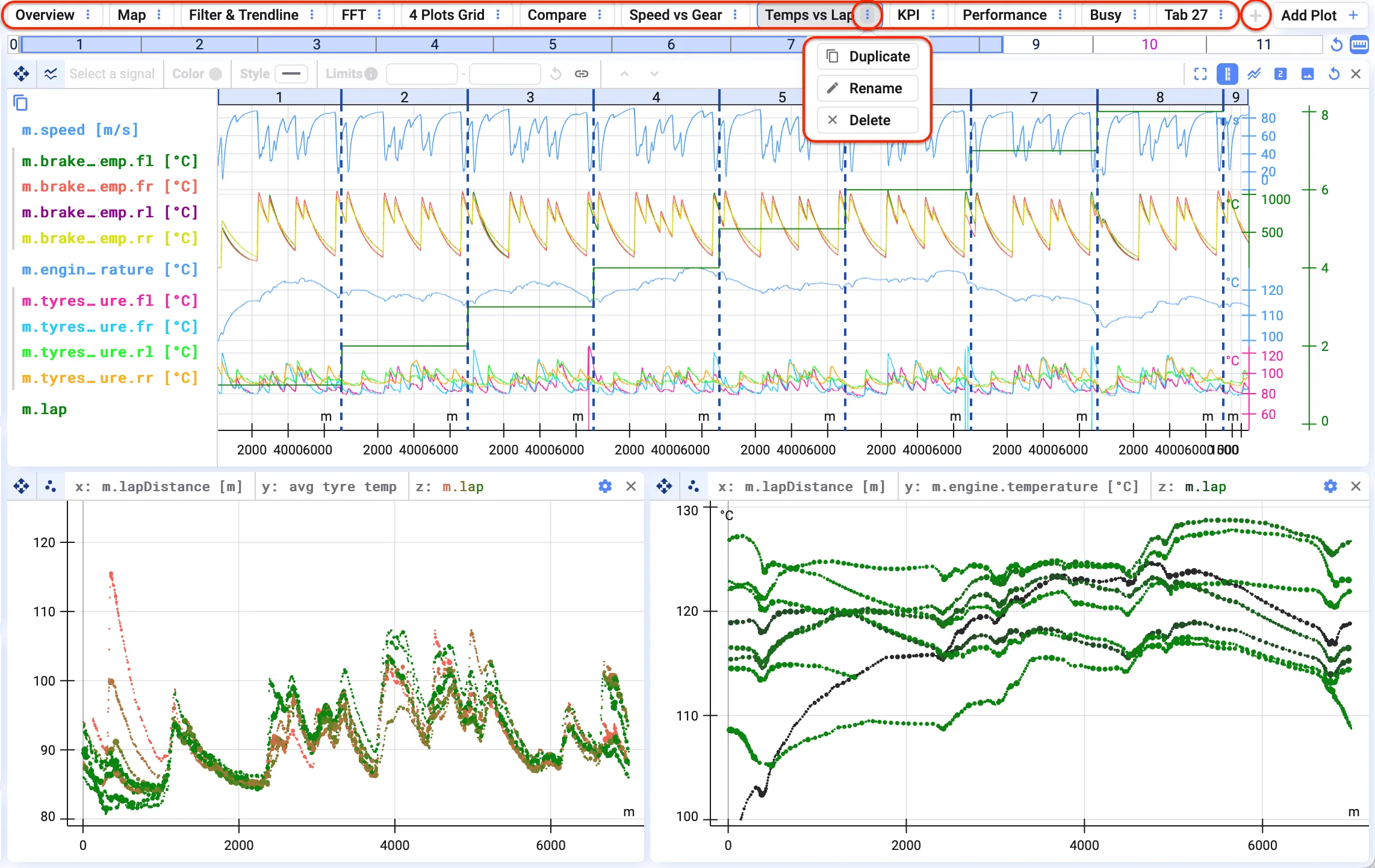
Click the three dots next to a tab to:
- Duplicate it
- Rename it
- Delete it

To add a tab, click the + sign at the end of the tab list.
Reorganizing tabs
Section titled “Reorganizing tabs”To reorganize tabs, drag and drop a tab to the desired place.
Group tabs
Section titled “Group tabs”You can combine related tabs into groups.
- Click the three dots next to a tab name to add it to a new or an existing group.
- Drag a tab into a group to add it.
- Give each group a name and a color so you can find it again easily.